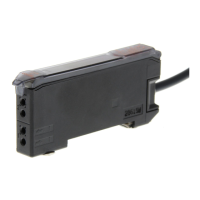
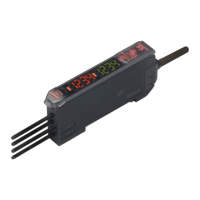
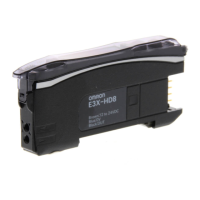
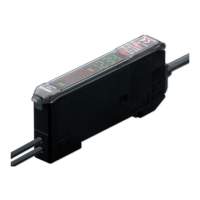
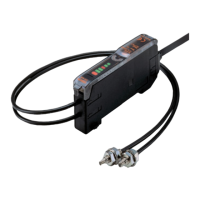
E3X-MDA Super Dual Fiber Sensors 19
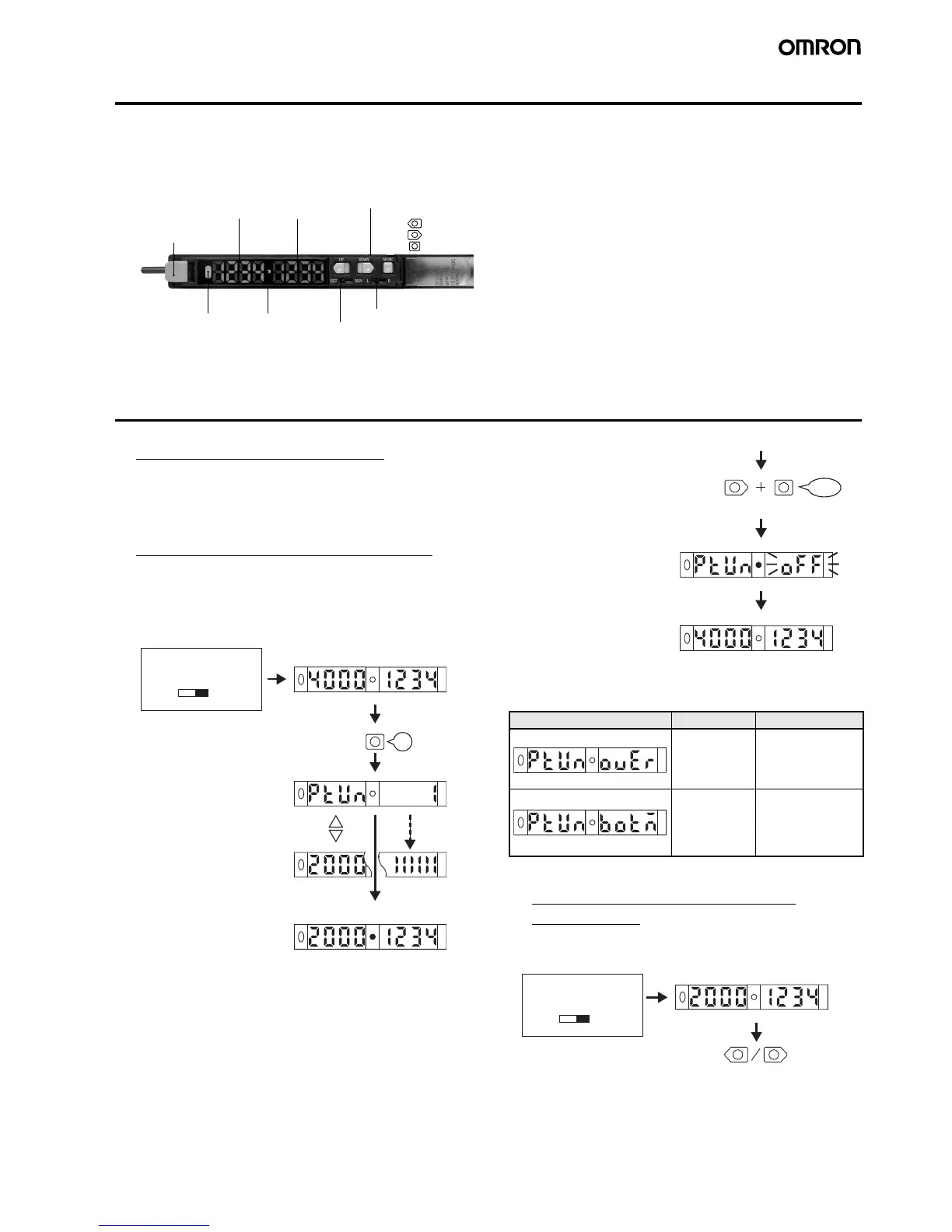
Nomenclature
■ Amplifier Units
Adjustment Methods
1. Setting the Operation Mode
The operation mode is set in SET mode. Refer to 5. Setting Func-
tions in SET Mode on page 21.
Set the Channel Selector to the desired channel before making any
adjustments or settings. This is true for all adjustments and settings.
2. Adjusting the Power (RUN Mode)
The current incident light level can be adjusted to near the power
tuning target value (default: 2,000).
Confirm that the MODE key setting is PTUN (power tuning). The
default setting is PTUN. Refer to 5. Setting Functions in SET Mode
on page 21.
* Setting Errors
An error has occurred if one of the following displays appears after
the progress bar is displayed.
Note:Press the DOWN key right after pressing the MODE key.
3. Setting Thresholds Manually
(RUN Mode)
A threshold can be set manually. A threshold value can also be fine-
tuned using manual setting after teaching.
* Even if the display method for display switching is changed, the
threshold will appear on the sub-display when the key is pressed.
UP
DOWN
MODE
Lock Button
Locks the fiber.
Operation Keys
Function setting operations
Channel Selector
Mode Selector
Use to select SET or RUN mode.
ON when output is ON.
OFF when output is OFF.
Sub-Display (Green)
Threshold, function
settings, etc.
Main Display (Red)
Incident level,
function, etc.
E3X-MDA@
Operation Indicator
for Channel 2
(orange)
Operation Indicator
for Channel 1
(orange)
ON when output is ON.
OFF when output is OFF.
3 s
MODE
RUN
Release the key after
the progress bar
is displayed.
The Power Tuning indicator
will light when the adjustment
has been completed.
Light level Threshold (default)
PTUN Progress bar
Display changes after
specific time.
Power tuning
target value
Light level Threshold
Set the Mode Se-
lector to RUN.
(Factory-set to RUN)
Display Error Action
Over Error
The incident light
level is too low for
the power tuning
target value.
The power will not be
tuned. The power can
be increased up to ap-
proximately 5 times
the incident light value.
Bottom Error
The incident light
level is too high
for the power tun-
ing target value.
The power will be
tuned to the minimum
level. The power can
be decreased down to
approximately 1/25th
the incident light value.
DOWN
MODE
3 s
The Power Tuning indicator
will go out when the default
settin


 To Next Page