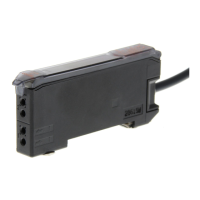
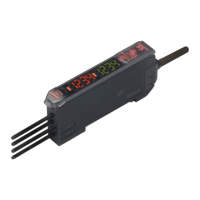
E3X-MDA Super Dual Fiber Sensors 21
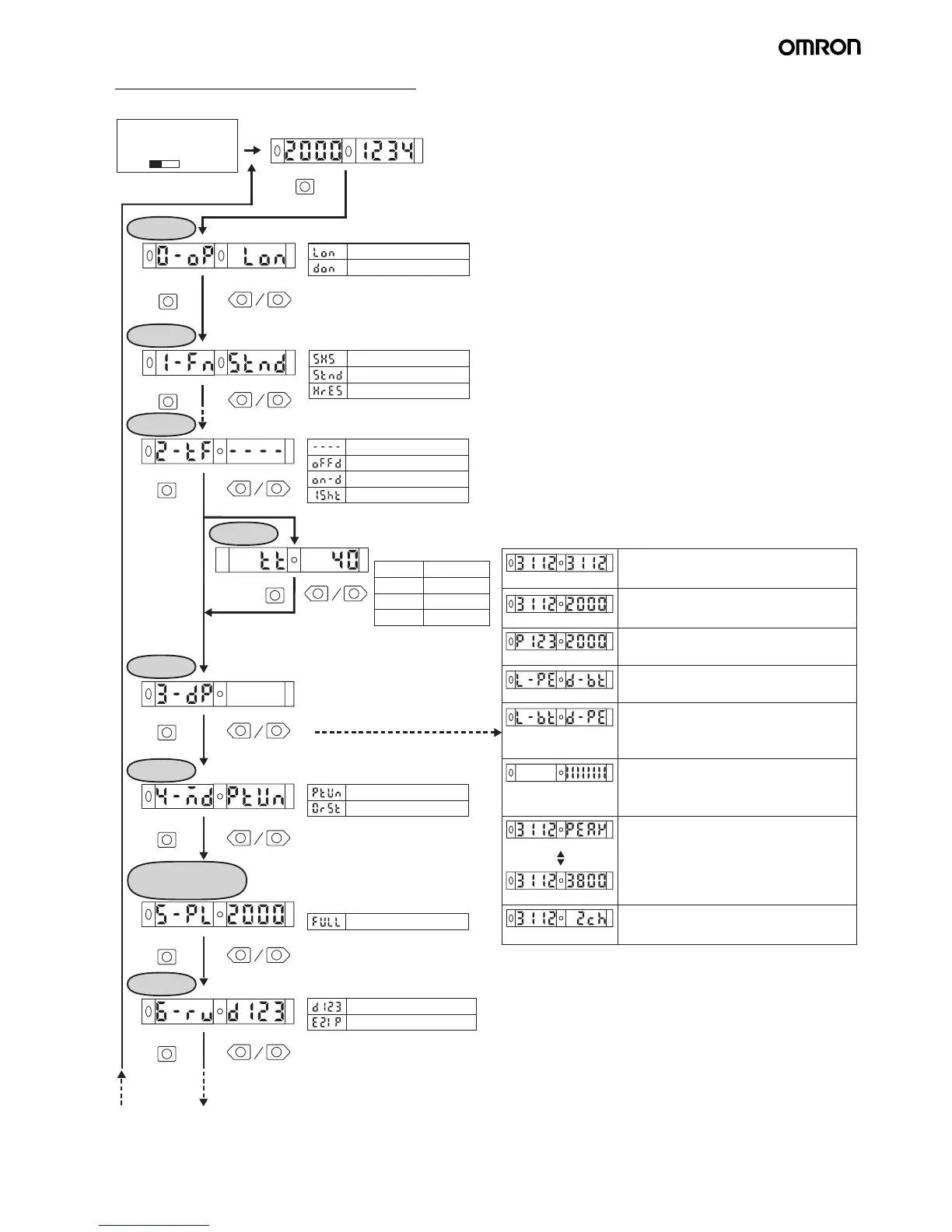
5. Setting Functions in SET Mode
* The default settings are shown in the transition boxes between functions.
UP DOWN
MODE
UP DOWN
MODE
UP DOWN
MODE
MODE
UP DOWN
MODE
*1
MODE Key
UP DOWN
UP DOWN
MODE
L-PE D-BT
L-BT D-PE
PEAK
CH1 light level
UP DOWN
MODE
MODE
UP DOWN
MODE
SET
Dark ON
Light ON
Set the Mode Selector
to SET.
Light Level and Threshold Display
Switch to desired
function.
Detection
Changes the setting.
Operation
mode
Standard mode
Super-high-speed mode
High-resolution mode
Timer
(To use the timer function)
OFF-delay timer
Timer disabled
ON-delay timer
One-shot timer
Time
Enables the timer.
20 to 200 ms
200 ms to 1 s
5-ms increments
1 to 20 ms
1-ms increments
100-ms increments
1 to 5 s 1-s increments
Setting range: 1 to 5,000 ms
Display
switch
(To change the display method)
(To change the function of the MODE key during operation)
Executes a zero reset.
Executes power tuning.
Power tuning
target value
Setting range: 100 to 3,900 (increments of 100)
Maximum power
Display
orientation
(To reverse the orientation of the display.)
Up/down reversed display
Normal display
*1 The display will be switched as shown below.
Light levels for channels 1 and 2
Light level Threshold
The incident light level and the threshold value.
% light level Threshold
The incident light level as a percentage of the
threshold value and the threshold value.
The incident light peak level and no incident light
bottom level.
(Refreshed when output turns ON or OFF.)
Detection status
Analog bar display. The current detection status is
displayed as an analog bar. The bar will lengthen
from the right as ON status is reached.
(ON: Red; OFF: Green)
The current incident light level and the peak
incident light level.
Light level
Light level Peak light level
The incident light level and the channel.
Light level Channel
CH2 light level
The min. incident light peak level and max. incident
light bottom level, showing min. width of light level
change. (Refreshed when output turns ON/OFF
ten times.)
Fixed
interval
Teaching: Refer to 4. Teaching the Threshold Value (SET Mode) on page 20.
Refer to 1. Setting the Operation Mode on page 19.
Refer to 2. Adjusting the Power
(RUN Mode) on page 19.


 To Next Page