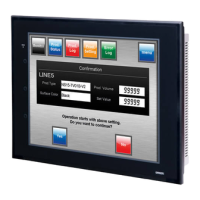
3-1 Installing the PT
3-4
3-1-2 Installing Expansion Memory Boards and RS-232C/RS-422A
Converters
When using Expansion Memory Boards or Adapters, mount the PT to the control panel be-
fore installing these Units.
For details on installing and removing Expansion Memory Boards, refer to 3-5 Using Expan-
sion Memory Boards. For details on installing and removing RS-232C/RS-422A Converters,
refer to Appendix 4 Using NS-AL002 RS-232C/RS-422A Converters.
3-1-3 Mounting the PT to the Control Panel
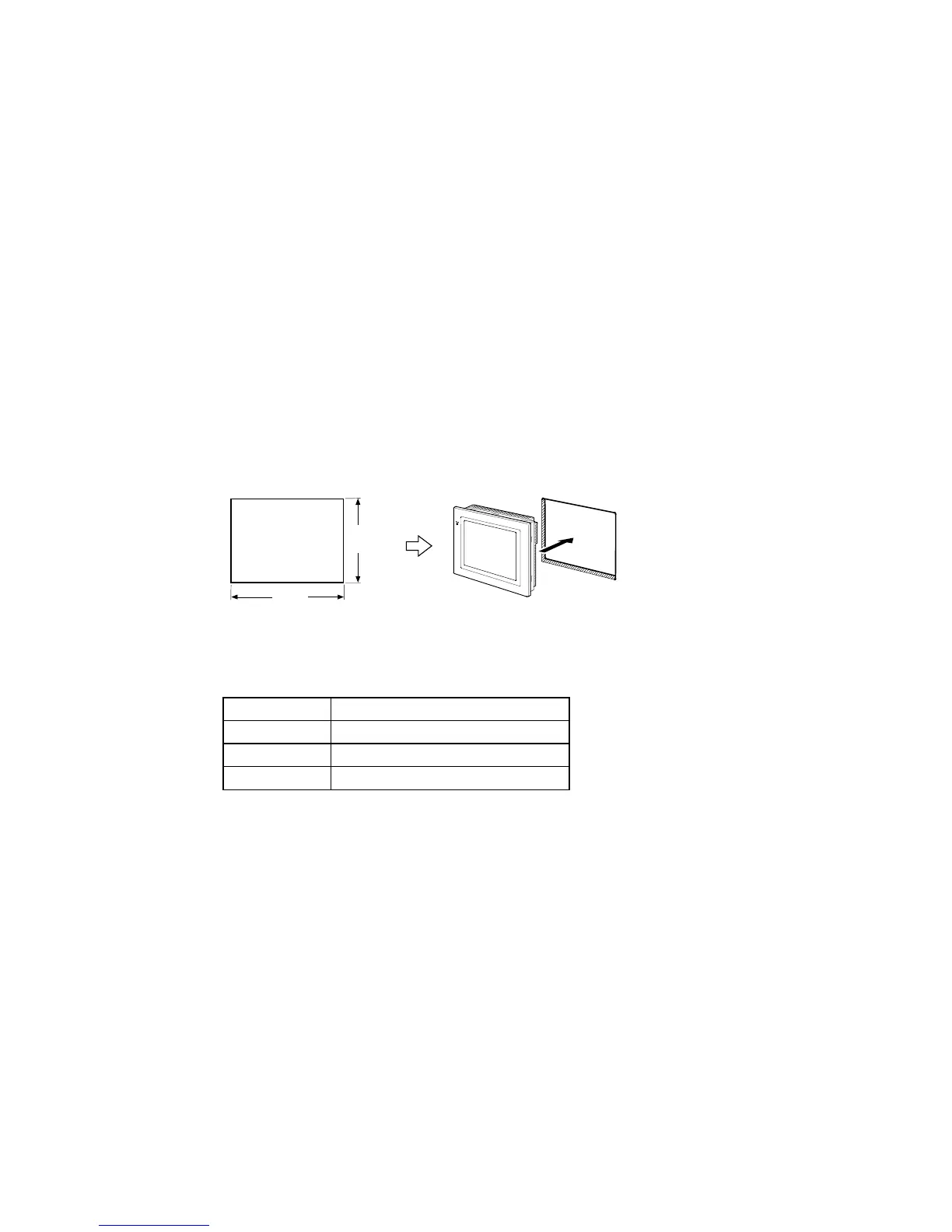
The PT is flush-mounted to the control panel.
The PT is mounted using the panel mounting brackets provided with the PT, and tools, such
as a Phillips screwdriver.
Use the following procedure to mount the PT to the control panel.
1.
Make a hole in the panel for flush mounting according to the following dimensions and in-
sert the PT from the front of the panel.
横
縦
Model Dimensions
NS12
Width 302
+1
0
´ Height 228
+1
0
mm
NS10
Width 302
+1
0
´ Height 228
+1
0
mm
NS7
Width 220.5
+0.5
0
´ Height 165.5
+0.5
0
mm
Width
Height
Recommended panel thickness:
1.6 to 4.8 mm



 To Next Page
 Loading...