Version 1.03 Page 13
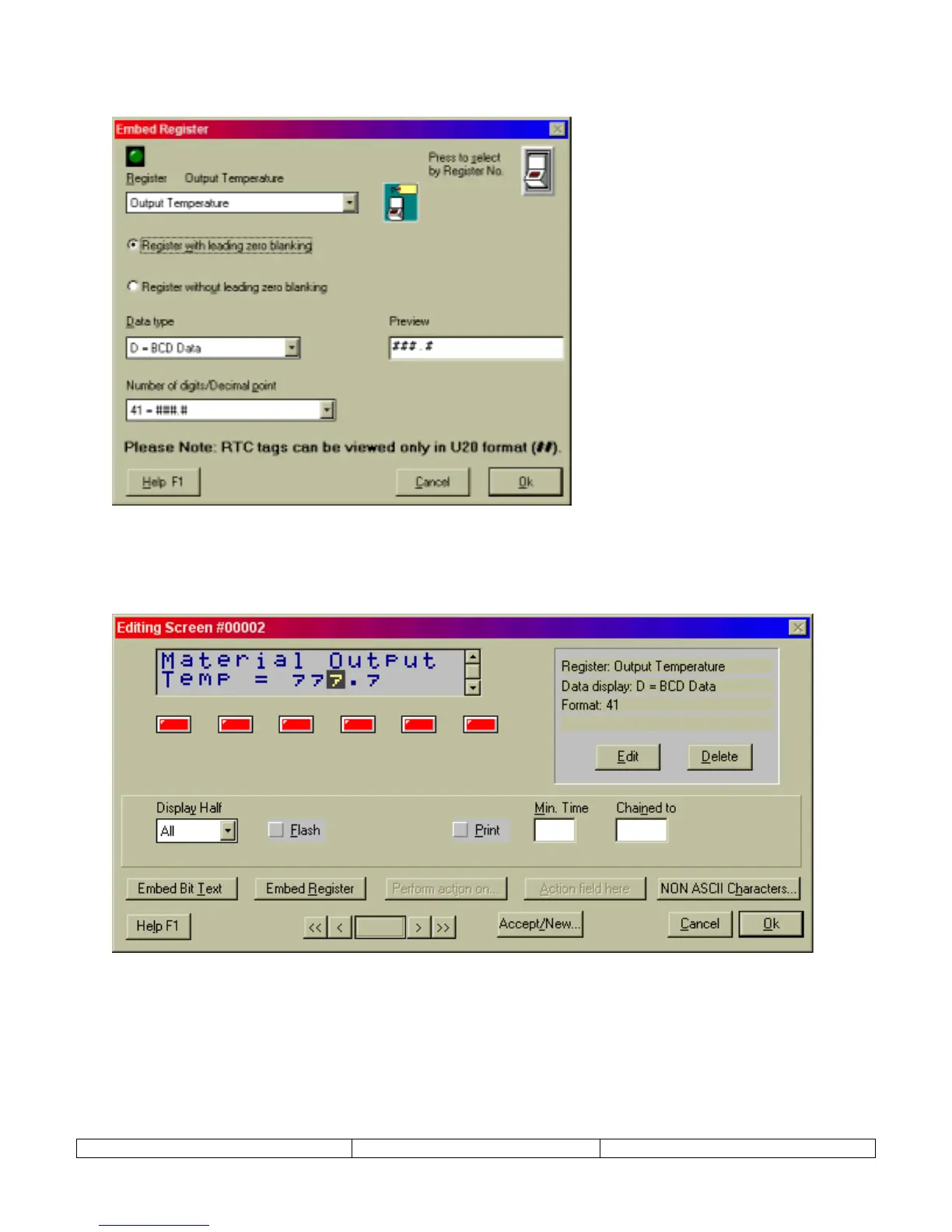
EMBED REGISTER – This selection button launches an editing window for specifying numeric data display. This
editing window allows the selection of data TAG, type, and format.
Once the register is assigned and formatted, select OK. Text placeholders will appear in the display window at the
cursor location. These placeholders can be positioned by adding characters before the placeholders.
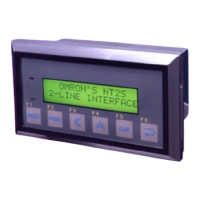
The Embedded Register can be edited by selecting a placeholder in the NT2S display window. Choose EDIT from
the menu that will be presented. A DELETE selection will also be presented.


 To Next Page