Version 1.03 Page 6
5.
CREATE NEW PROJECT
1.
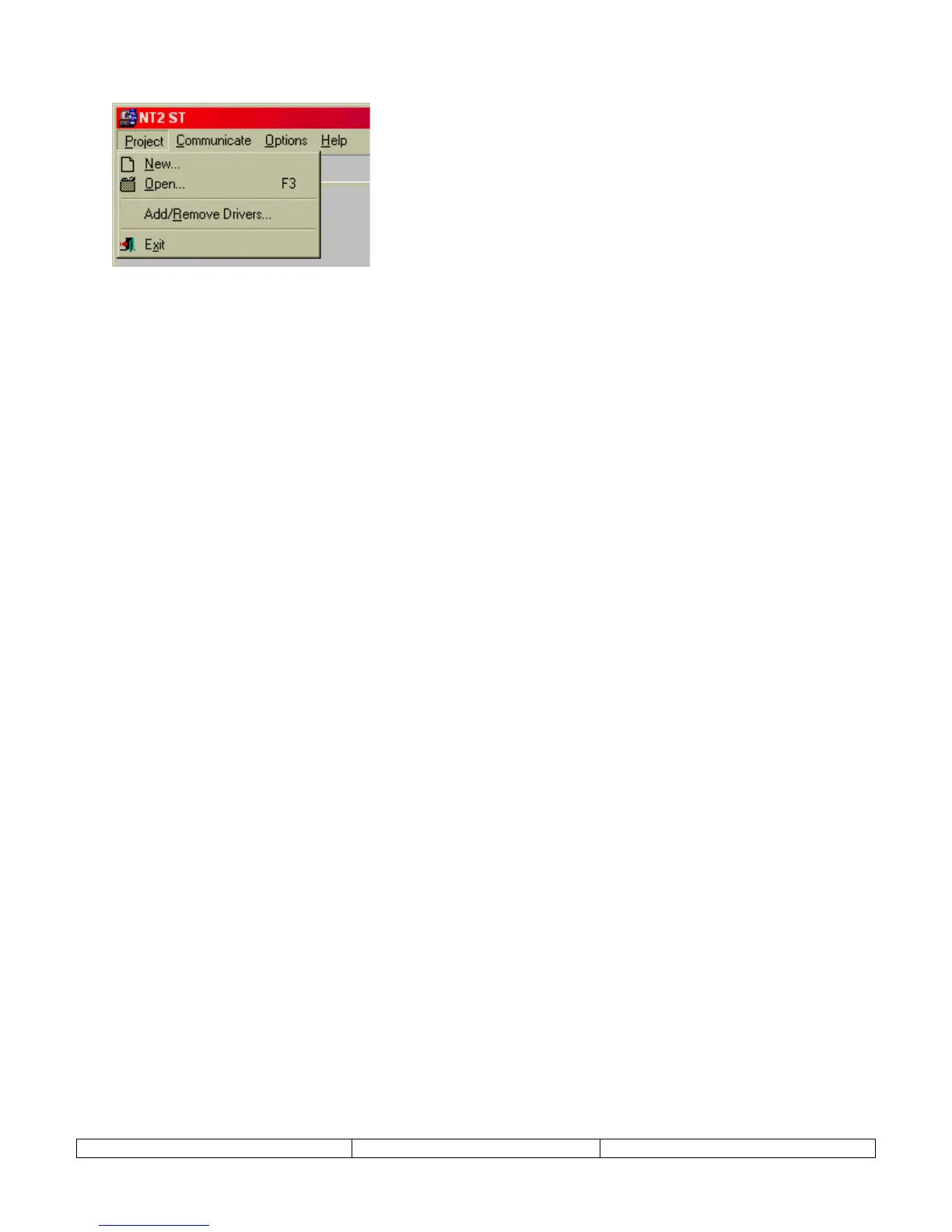
Select
New
from the
Project
menu.
2.
In the dialog presented, select the PLC and PLC Model from the New project dialog and
select OK.
The PLC model can be changed at any time during the project. From the
Project
menu,
select,
PLC Model
, and select a new PLC model from the list. Accept the change by
clicking on OK. Care must be taken to verify that the tag addresses are valid for the new
PLC model.
(If the brand of PLC required for the project does not appear, refer to the ADD/REMOVE DRIVERS section
above.)
3.
Select the NT2S hardware model that will be used for this project. Choose either NT2S-
SF121B-E or NT2S-SF122B-E and click the CLOSE button.
(If the incorrect NT2S model is selected, the project can be converted at anytime using the file conversion
utility located on the
Project
menu, and select
Model type
. Just open the project and select this menu item and
select OK.)


 To Next Page