FEB-4720 Main Board
VFD Customer Display Installation
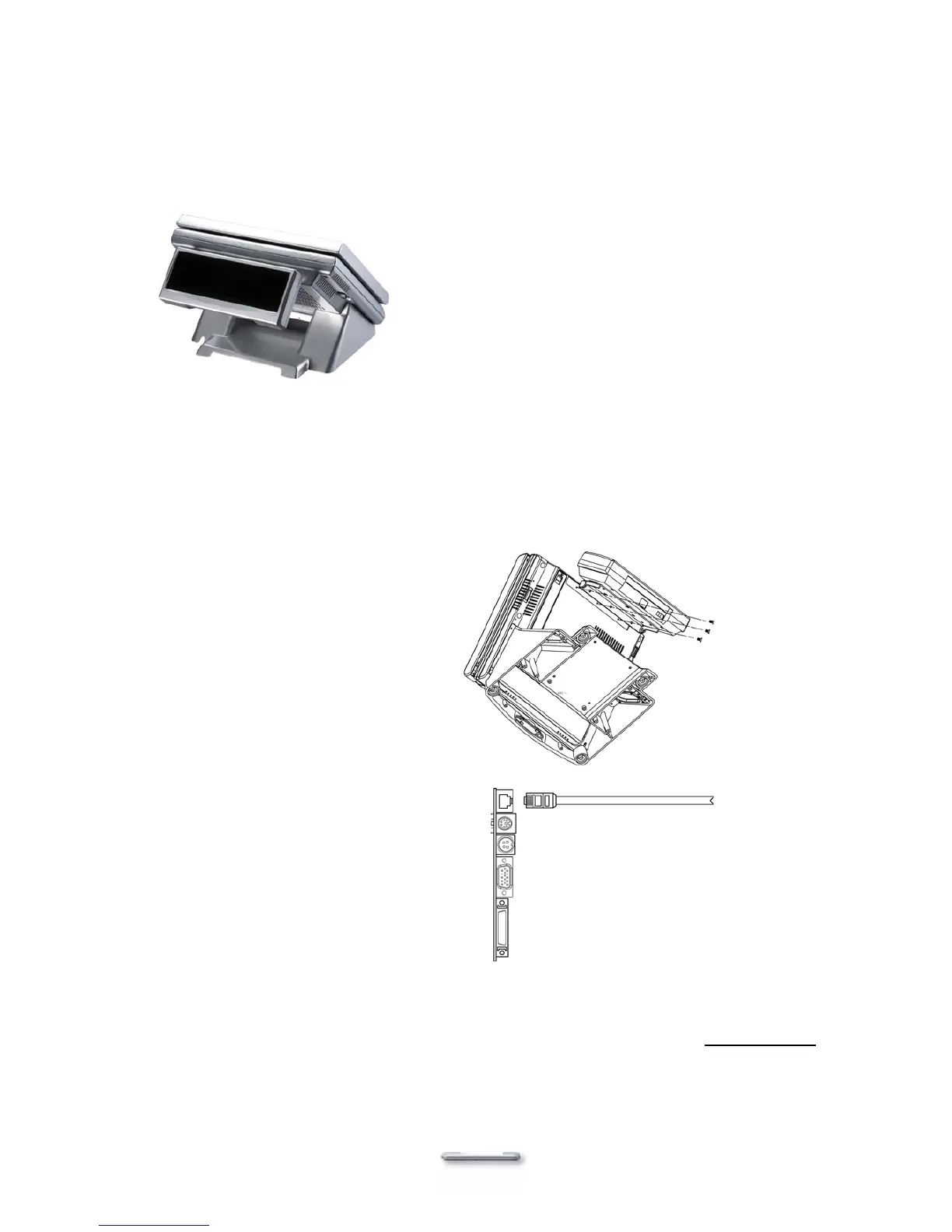
An optional VFD customer display can be installed on the back of Model H800. A VFD customer
display cannot be installed at the same time as a second LCD panel or second LCD touch panel.
Rear view with VFD attached
Installing a VFD
1. Turn off system power.
2. Make sure that JP1 and JP2 on secondary I/O board 9000PB270 are set correctly. Please
refer to section “RJ45 connector for VFD customer display or second LCD touch screen”.
3. Install the VFD to the back of the main
unit with 3 screws.
4. Connect the VFD RJ45 cable in the VFD
port on the I/O panel.
5. Turn on VFD power switch, then turn on system power.
Note: If the VFD does not display correctly after an application is loaded, please refer to troubleshooting.
19



 To Next Page