FEB-4720 Main Board
ELO Touch Tools Installation for Windows 2000 and Windows XP
1. Locate D:\Utility\TOUCHSCREEN\ELO Touch
2. Select the relevant ELO folder for the operating system that you are using.
Example. If you are installing for a Windows 2000 or XP then select Elo Touch 2K_XP
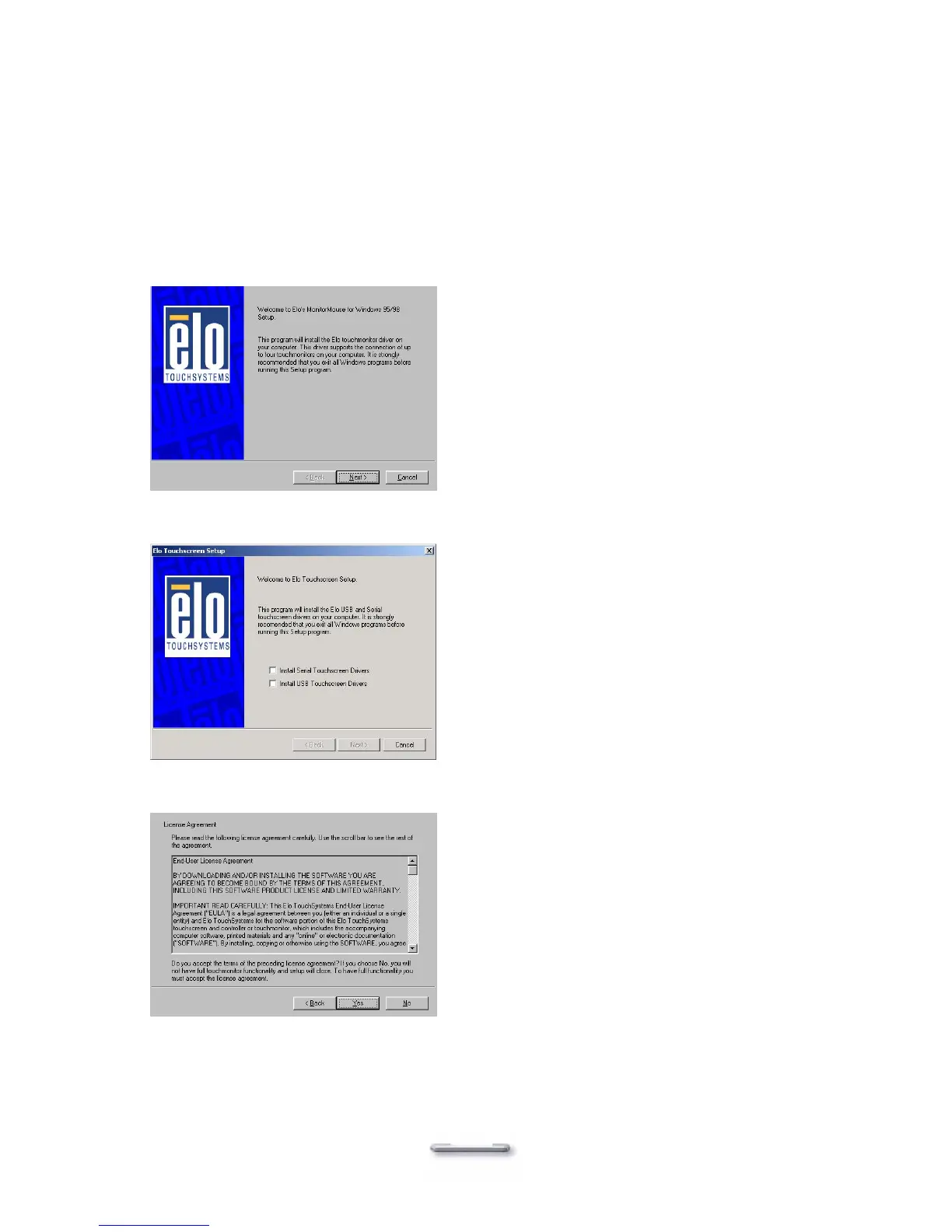
3. Run Setup.exe
4. Click Next
5. Check “Install serial Touch screen Drivers.” And Click Next.
6. Read the “License Agreement” and click Yes if you accept it.
42



 To Next Page