FEB-4720 Main Board
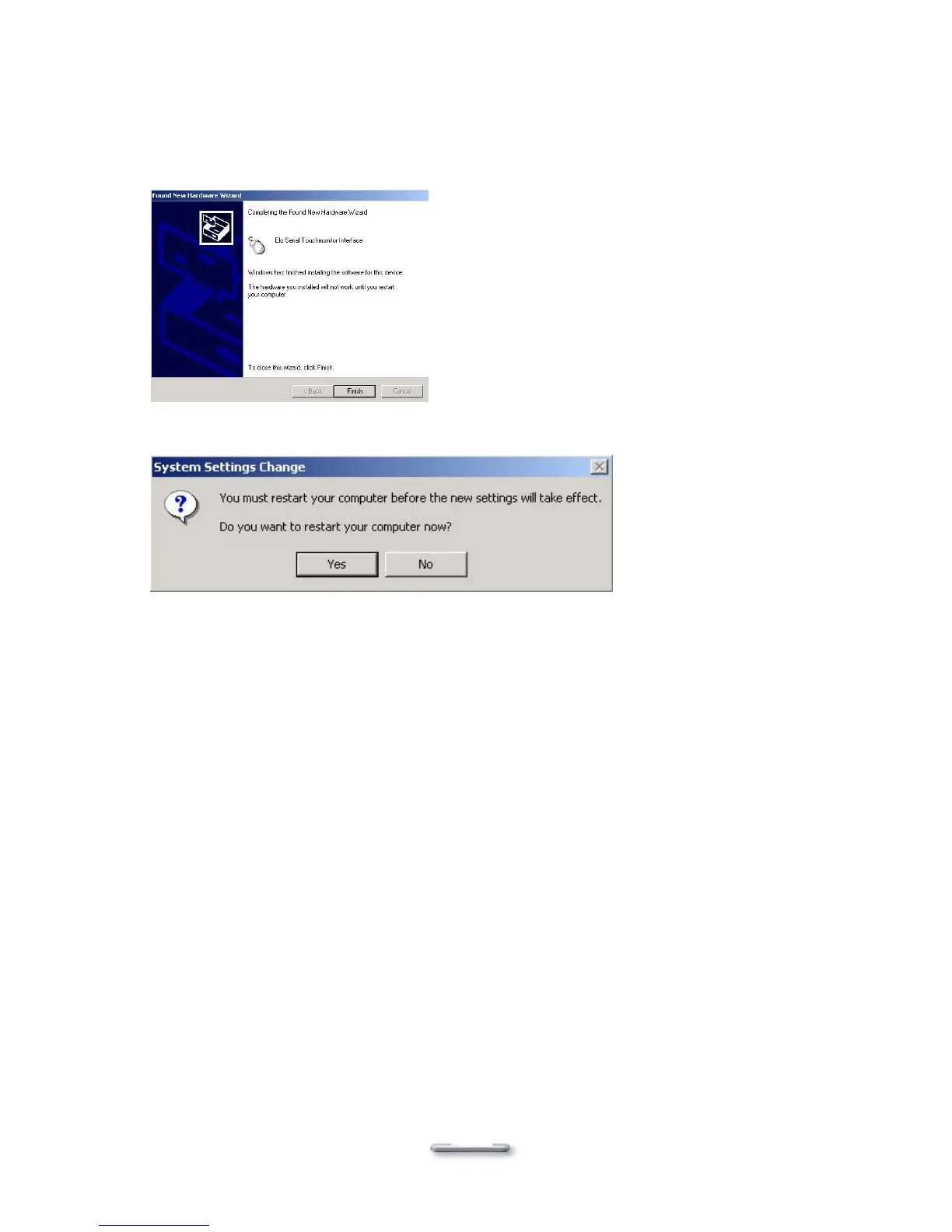
10. Select View ELO touch screen control panel and click Finish.
IT MAY BE NECESSARY TO RESTART YOUR COMPUTER TO UTILIZE
YOUR TOUCHSCREEN FEATURES.
11. Click NEXT while this window appears after system finishs rebooting.
12. Click YES to restart your computer again.
After the system finishes rebooting follow the directions to calibrate ELO Touch Tools.
44



 To Next Page