38
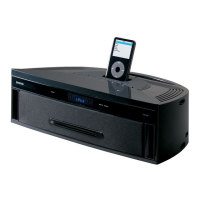
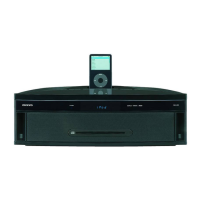
iPod / iPhone Playback
Before using your iPod/iPhone with the stereo receiver, be sure to update your iPod/iPhone with the latest software,
available from the Apple Web site.
If you leave your iPod/iPhone paused when using it on its own, eventually it will go into hibernation. If you connect it to the
USB port in this state, you’ll need to wait a few moments before your iPod/iPhone is ready for use.
Always remove your iPod/iPhone before moving stereo receiver.
Depending on your iPod/iPhone, or the type of content being played, some functions may not work as expected.
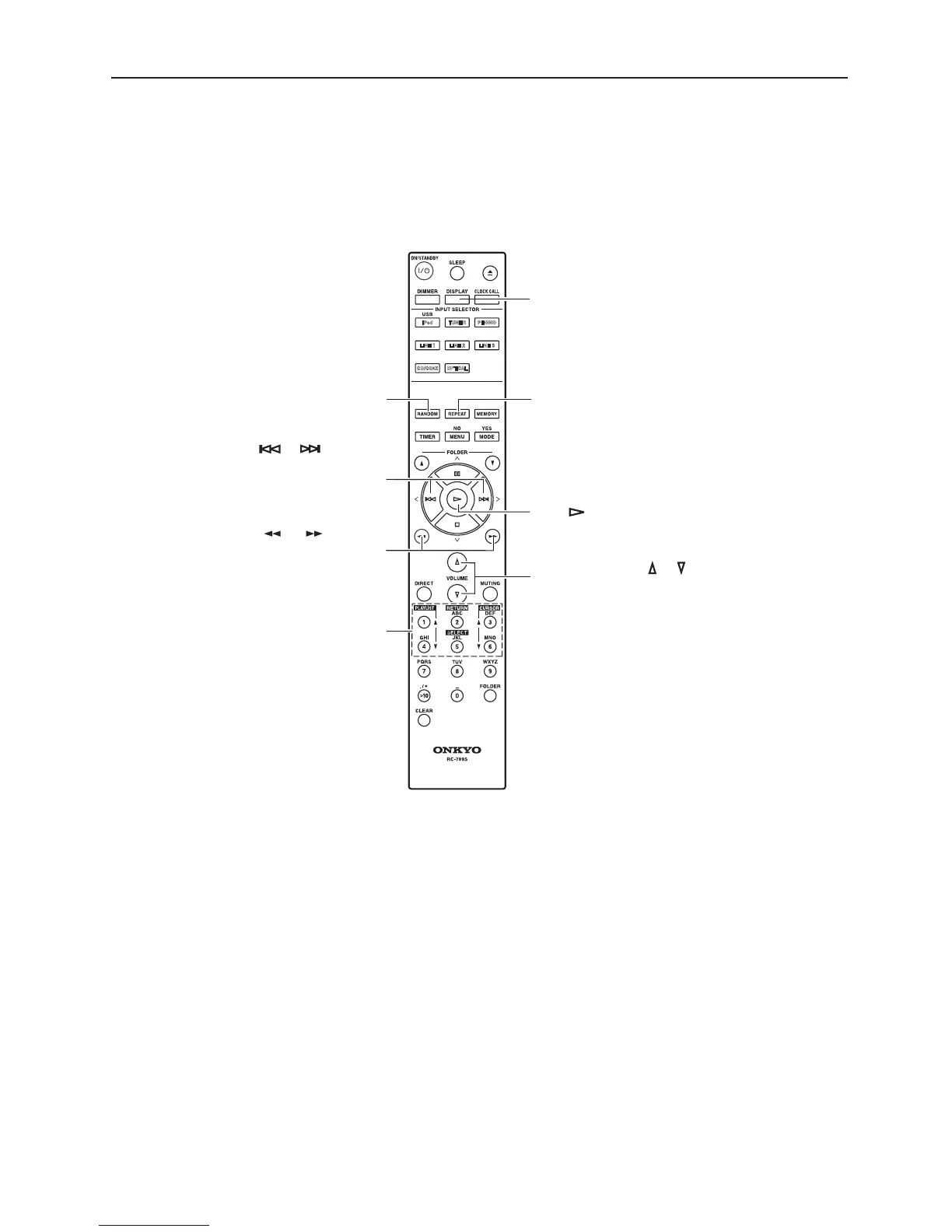
[ ]/[ ] buttons
Selects the last or next track
Selects the item on the
VOLUME buttons [ ]/[ ]
Adjust the volume level
[ ]/[ ] buttons
During playback, fast forwards
or fast reverses the track.
DISPLAY button
Press to display more track information.
Play [ ] button
REPEAT button
Press to set the iPod/iPhone
repeat function.
RANDOM button
Press to set the iPod/iPhone
in the iPod/iPhone.
iPod/iPhone menu.
shuffle function.
Press to select a function
on the iPod/iPhone.


 To Next Page