20
Enjoying Audio Sources
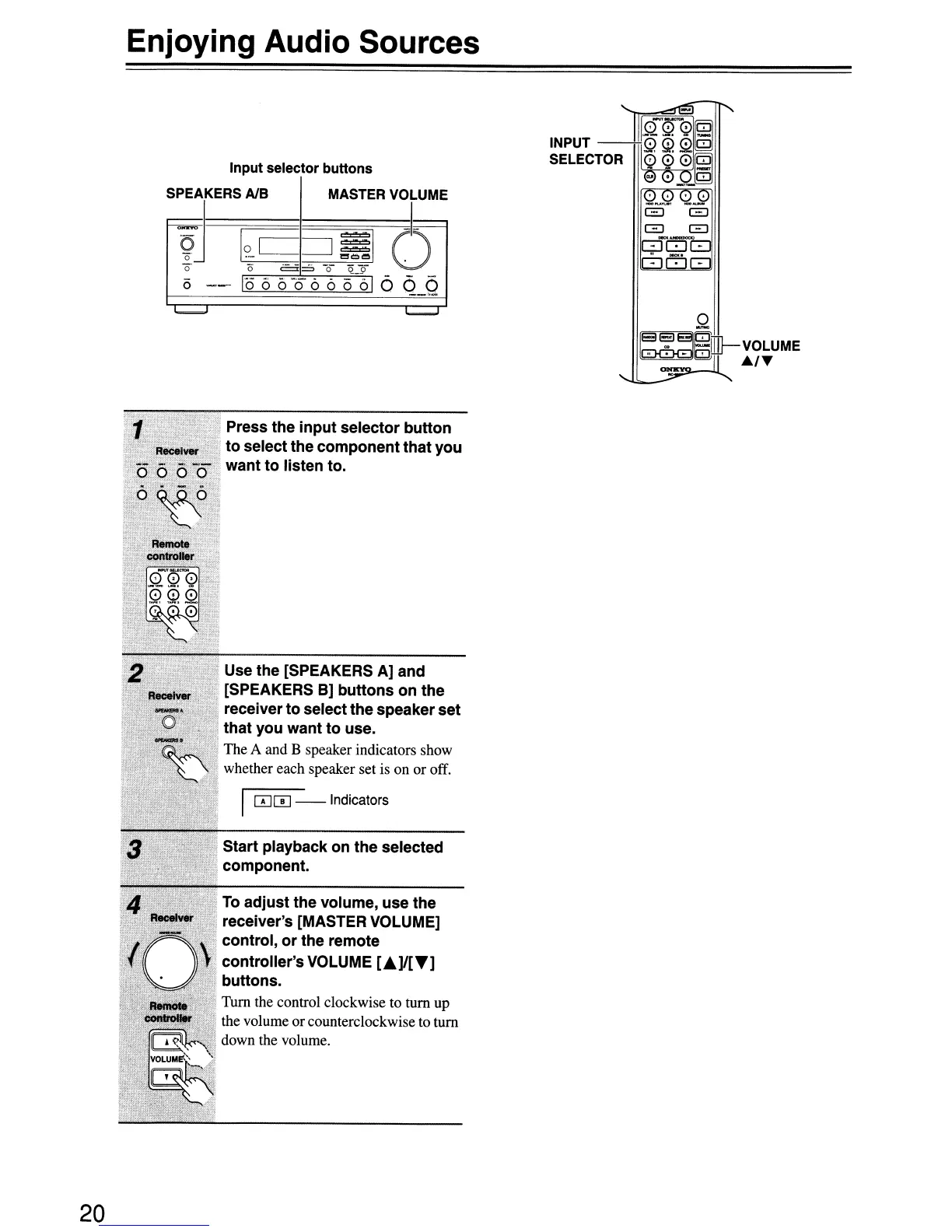
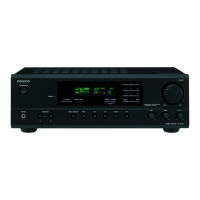
Input selector
buttons
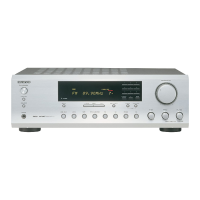
Press the input selector button
. to select the component that you
want to listen to.
Use the [SPEAKERS A] and
[SPEAKERS
B)
buttons on the
receiver to select the speaker set
, that you want to use.
The A and B speaker indicators show
whether each speaker set is on or off.
I
00
--Indicators
Start playback on the selected
component.
To
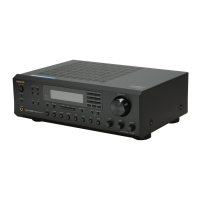
adjust the volume, use the
receiver's [MASTER VOLUME]
control, or the remote
controller's VOLUME
[.]IIT]
buttons.
Tum the control clockwise to tum up
the volume or counterclockwise to
tum
down the volume.


 To Next Page