00000000
Turning
On
the
Receiver
ON/STANDBY
~
STAN~B::;::Y::;::i::;::nd::;::i::;::ca::;::to::;::r::;::::;::::;::::;::::;::::;::::;::::;::~==;;';:===l
~
~I~
I
===E:::====-
..
~Ol
~~:~~I
0
OQQ
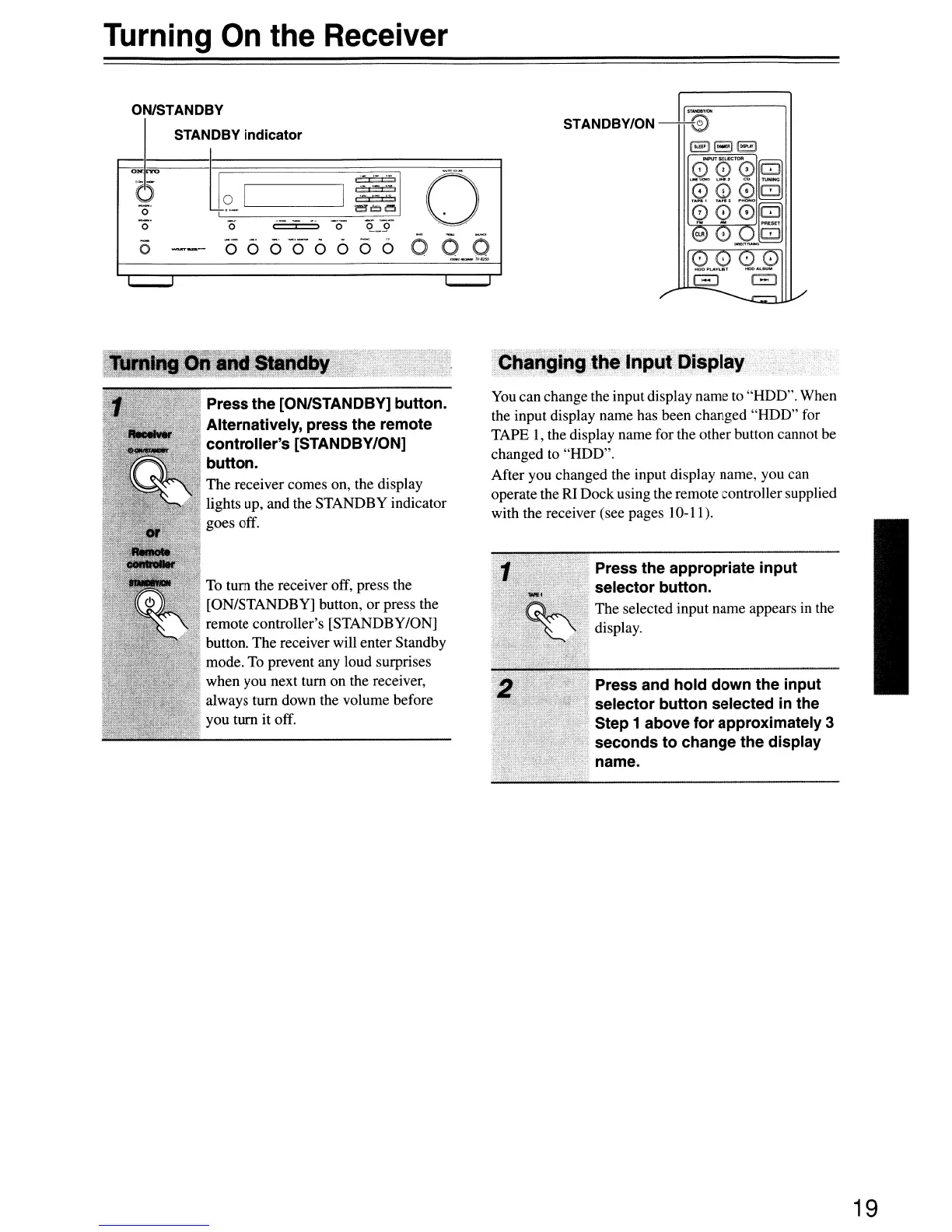
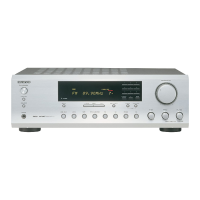
Press the [ON/STANDBY] button.
Alternatively, press the remote
controller's [STANDBY/ON]
button.
The receiver comes on, the display
lights up, and the STANDBY indicator
goes off.
To
tum the receiver off, press the
[ON/STANDBY] button, or press the
remote controller's [STANDBY/ON]
button. The receiver will enter Standby
mode.
To
prevent any loud surprises
when you next tum on the receiver,
always tum down the volume before
you tum it off.
•.•
~~a,~;gi'1i;J~~
Input
Display
You
can change the input display name to "HDD". When
the input display name has been changed "HDD" for
TAPE
1,
the display name for the other button cannot be
changed to "HDD".
After you changed the input display name, you can
operate the RI Dock using the remote controller supplied
with the receiver (see pages 10-11).
Press the appropriate input
selector button.
The selected input name appears
in
the
display.
Press and hold down the input
selector button selected
in
the
Step 1 above for approximately
3
seconds to change the display
n name.
19


 To Next Page