Troubleshooting
If
you have any trouble using the receiver, look for a
solution in this section.
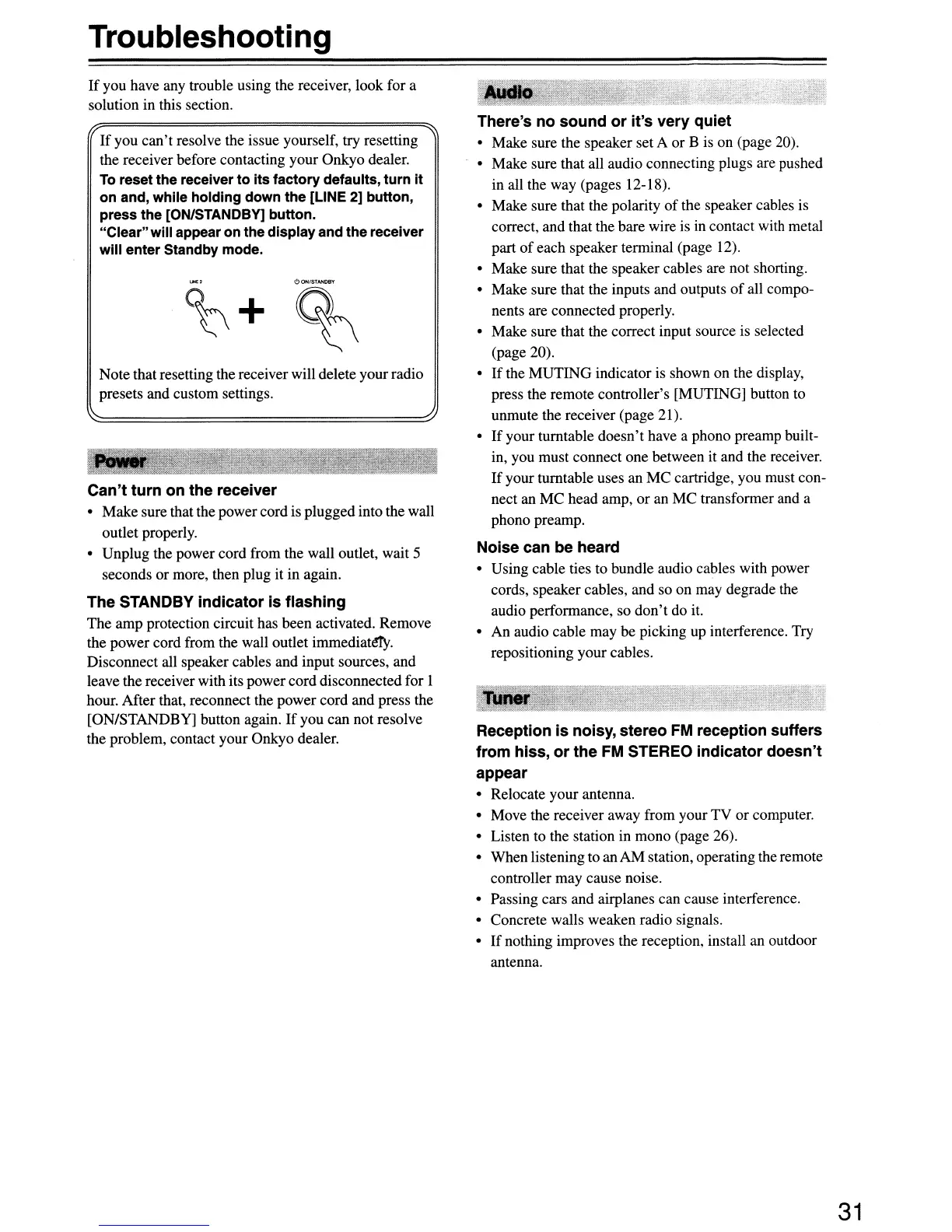
Note that resetting the receiver will delete yourradio
presets and custom settings.
There's no sound
or
it's very quiet
• Make sure the speaker set A or B is on (page 20).
• Make sure that all audio connecting plugs are pushed
in all the way (pages 12-18).
• Make sure that the polarity
of
the speaker cables is
correct, and that the bare wire is in contact with metal
part
of
each speaker terminal (page 12).
• Make sure that the speaker cables are not shorting.
• Make sure that the inputs and outputs
of
all compo-
nents are connected properly.
• Make sure that the correct input source is selected
(page 20).
•
If
the MUTING indicator is shown on the display,
press the remote controller's [MUTING] button to
unmute the receiver (page 21).
•
If
your turntable doesn't have a phono preamp built-
in, you must connect one between it and the receiver.
If
your turntable uses an MC cartridge, you must con-
nect an
MC
head amp, or an
MC
transformer and a
phono preamp.
Noise can be heard
• Using cable ties to bundle audio cables with power
cords, speaker cables, and so on may degrade the
audio performance, so
don't
do it.
• An audio cable may be picking up interference. Try
repositioning your cables.
Reception
is
noisy, stereo
FM
reception suffers
from hiss,
or
the
FM
STEREO indicator doesn't
appear
• Relocate your antenna.
• Move the receiver away from your TV
or
computer.
• Listen to the station in mono (page 26).
• When listening to an AM station, operating the remote
controller may cause noise.
• Passing cars and airplanes can cause interference.
• Concrete walls weaken radio signals.
•
If
nothing improves the reception, install an outdoor
antenna.
c!>
ON/STANDBY
%
~+
If
you
can't
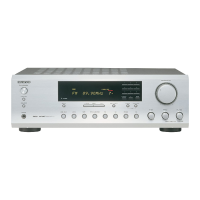
resolve the issue yourself, try resetting
the receiver before contacting your Onkyo dealer.
To
reset the receiver
to
its
factory defaults, turn It
on and, while holding down the [LINE 2] button,
press the [ON/STANDBY] button.
"Clear"will appear on the displayand the receiver
will
enter Standby mode.
Can't turn on the receiver
• Make sure that the powercord is plugged into the wall
outlet properly.
• Unplug the power cord from the wall outlet, wait 5
seconds or more, then plug it in again.
The STANDBY indicator is flashing
The amp protection circuit has been activated. Remove
the power cord from the wall outlet
immediat~.
Disconnect all speaker cables and input sources, and
leave the receiver with its powercord disconnected for 1
hour. After that, reconnect the power cord and press the
[ON/STANDBY] button again. If you can not resolve
the problem, contact your Onkyo dealer.
31


 To Next Page