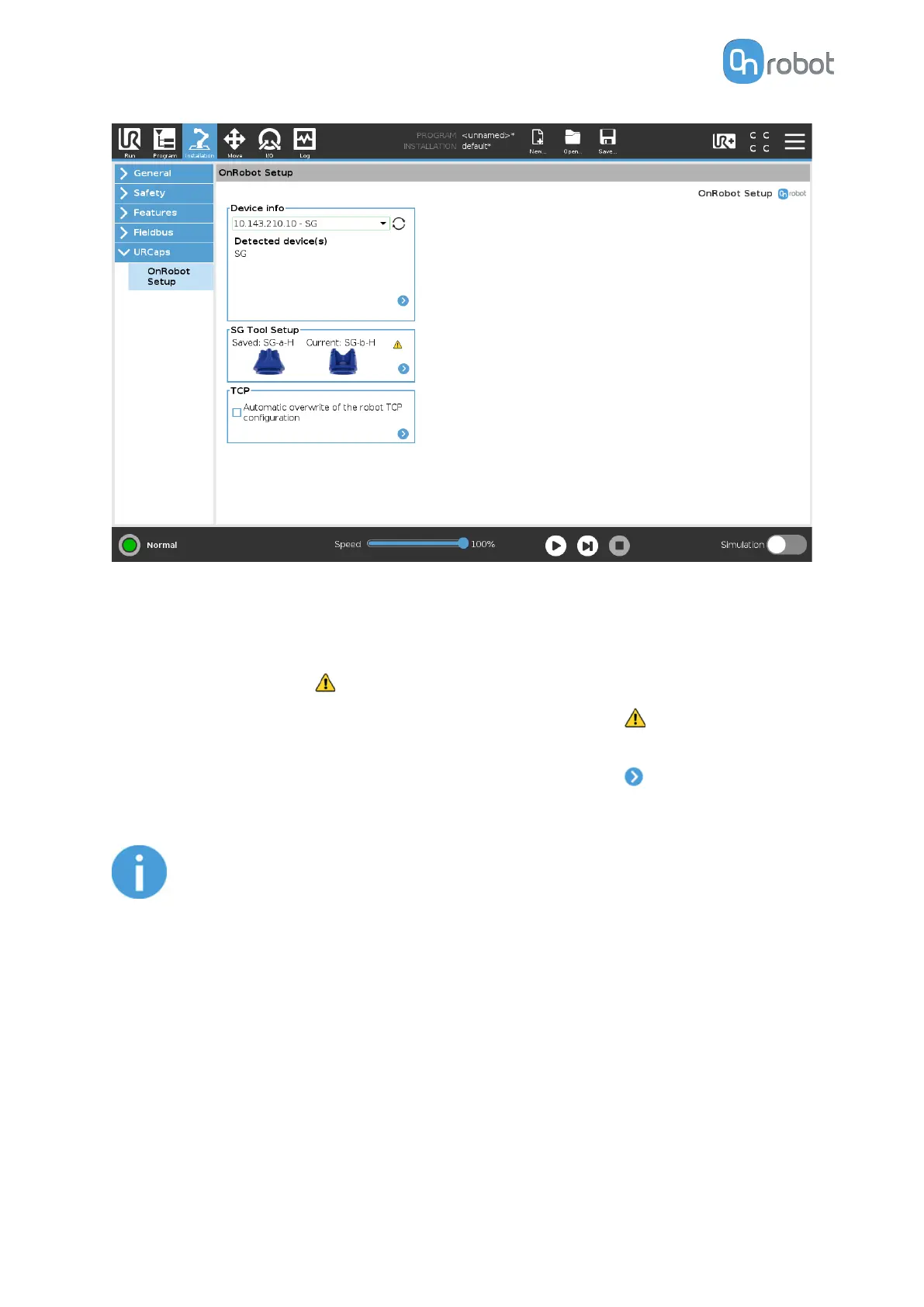
SG Tool Setup
In the normal view of the panel, the Saved tool can be seen.
If there is a mismatch between the Saved tool and the Current initialized tool, the Current
tool will be shown and this will appear in the top right corner of the card.
If the tool is not initialized, the Current tool label will appear and this will also appear
under the Current label instead of the tool image.
To select a new SG and initialize the gripper with this new tool press . The screen below
will show up and the desired tool to be installed can be selected.
NOTE:
If the SG is connected via the CB3 tool connector, the silicone selection is not
available. A generic silicone is automatically used instead.
SW INSTALLATION
53



 To Next Page