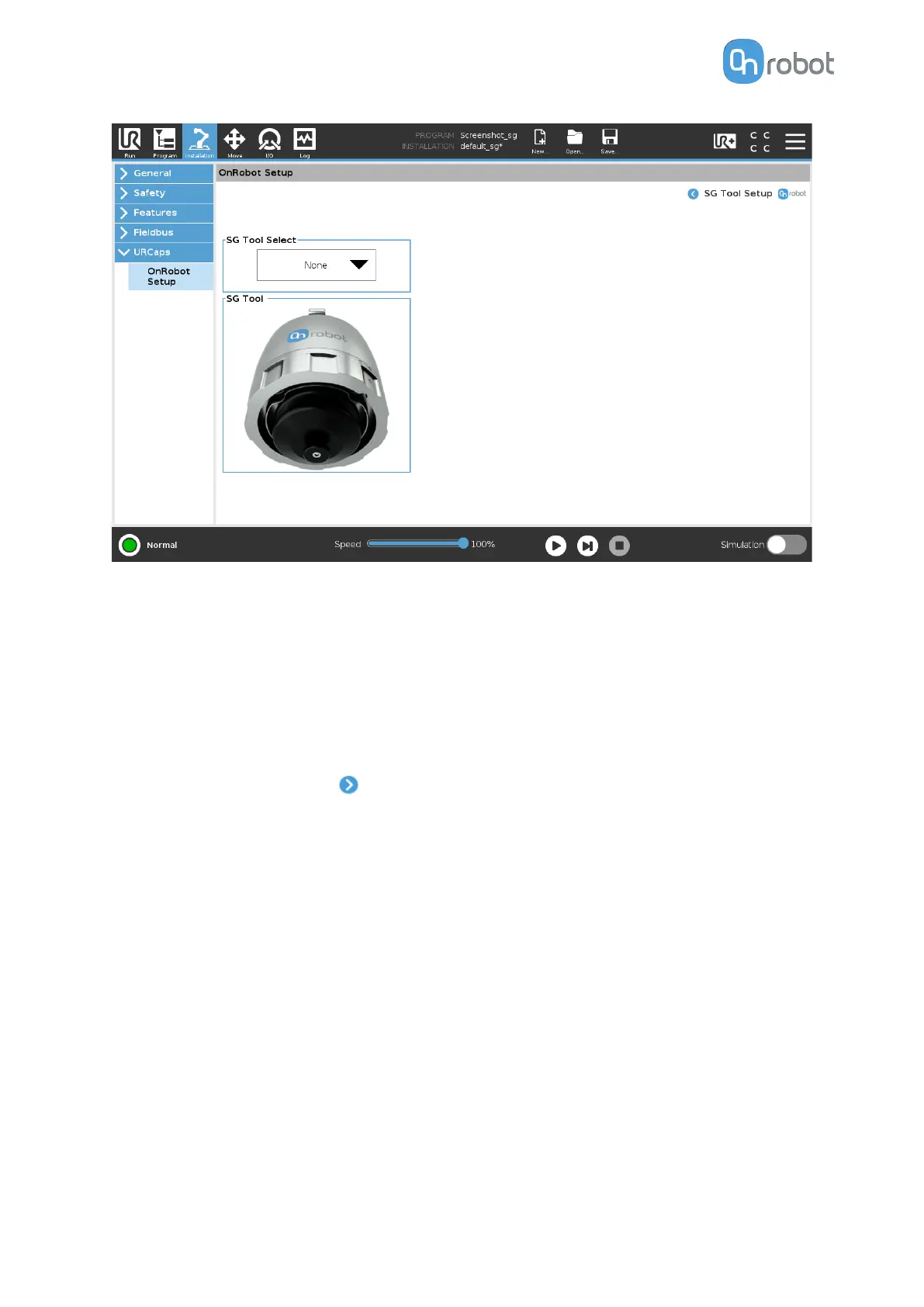
When choosing a tool, in the dropdown menu, the gripper will automatically initialize to the
chosen tools neutral position. This will also automatically set the right tool operating
parameters such as width, TCP and tool Center of Mass.
The gripper can also be initialized by pressing the Initialize button in the toolbar.
TCP
In the normal view of the panel the TCP of the robot can be overwritten by the TCP of the tool
by pressing the Automatic overwrite of the robot TCP
configuration checkbox.
To see more options press on and the following screen will show:
SW INSTALLATION
54



 To Next Page