Thermocode 2 Printer manual Version 2.04 January 2011 20
20
SYSTEM START-UP SEQUENCE
Ensure if a standard mounting frame is used, it is fully closed before switching on the printer.
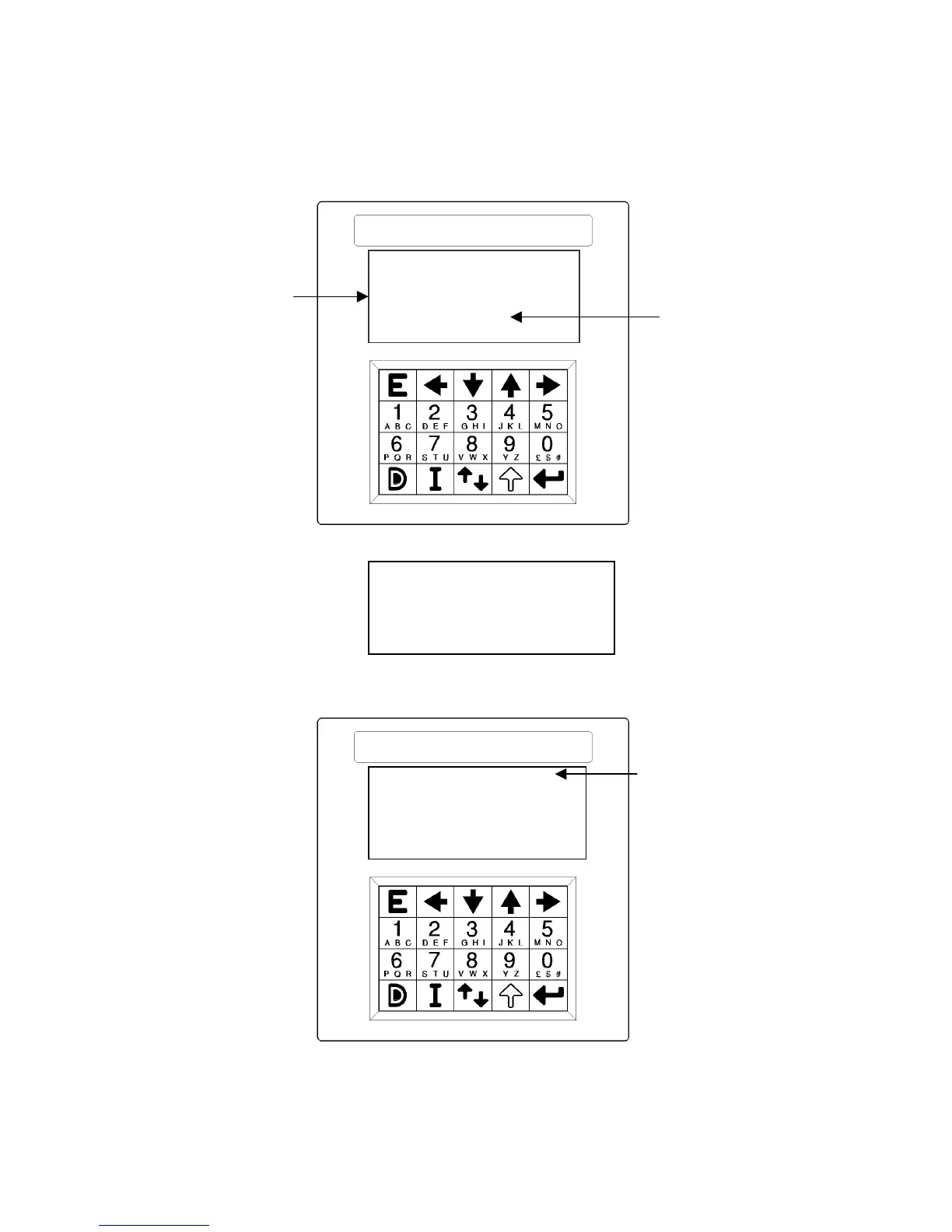
After switching on the following start up sequence screens will be displayed, this screen displays the
communication baud rate that has been set.
Baud Rate
The following screen shows: - Open Date Equipment,
Series 2 range
V0.0F
Firmware Version number
After a few seconds, the machine will check the printer through a standard sequence of operations to
determine the maximum print length and then automatically select the printer size.
Printer model
After determining the model of machine, automatically the height of the lower roller unit is detected. This
measurement is used by the software and automatically adjusts the printer for the correct height above the
lower roller unit. The screen shown on page 21 is after the start up sequence has finished, showing the
actual model of the machine and the format that is ready to print.
Open Date
Trying to load
115200
Press key for test
THERMOCODE 53
1-[S]Parking
2 [F]Document1
3 Select format
“Press key for Test”
You are advised to only change
the Baud rate & Time if required.
The other functions are for
fully trained Engineers.



 To Next Page