EasyManua.ls Logo

Open Date Thermocode Series 2 - Page 25

Default Icon
56 pages
Print Icon
To Next Page IconTo Next Page
To Previous Page IconTo Previous Page
Loading...
Thermocode 2 Printer manual Version 2.04 January 2011 25
25
THERMOCODE 53C
1 [S] Print On Line
2> [F] LABEL1
3 Select Format
4 Service
5 Information
6 Supervisor
7 Contact
8 Test Print
9 Passcodes
WARNING
THIS ACTION CANCELS
PRINTING, PROCEED ?
NO YES
ENGINEER
Set the Passcode
and press ENTER
< if activated >
SERVICE
1> Time/Date
2 Daylight saving
3Printer Setup
4 Print head data
5 Ribbon Settings
6Network
7 Pause printing
8 Unlock system
9Encoder
SET TIME AND DATE
DD/MM/YY <05/08/2000>
HH:MM:SS <20:05:46>
Press ENTER to save
SET DAYLIGHT SAVING
Day 1 < 28/03 > < + >1
Day 2 < 28/10 >
DD/MM
PRINTER SETUP
1> Print Height
2Image
3Cassette
SET PRINTER DATUMS
Print Height
< 1.0 > mm
ENTER to save
SET the IMAGE VALUES
Mirror: ( Y/N )
<N>
ENTER to save
CASSETTE Settings
Roller: < 31.83 > mm
Cassette < 1 > On
Press ENTER to save
PRINT HEAD INFO.
1 Resistance 1264
2 P.distance 25
3 Serial No 9207444
4 Fac.dat.09/07/2000
5 1st.dat.26/08/2000
6 Print Angle 27
SET RIBBON SETTINGS
length: < 500 > m
warning: < 015 > m
gap: < 0 > mm
SET NETWORK VALUE
Network: < 00 >
00-99 (00= no Network)
Press ENTER to save
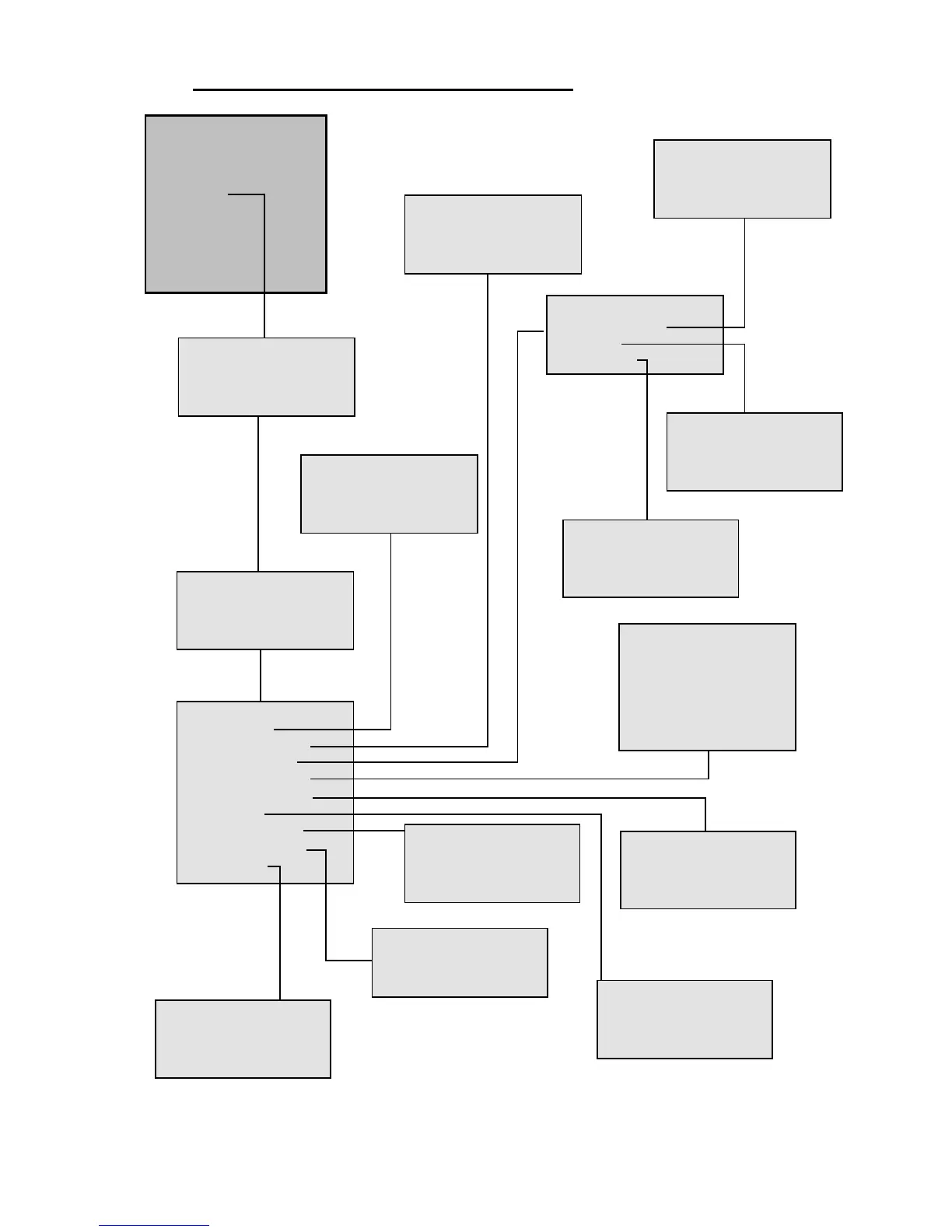
STATUS DISPLAY SOFTWARE FLOWCHARTS (Level 3: ENGINEER)
PAUSE PRINTING
Pause: (Y/N)
<N> (on line)
Press ENTER to save
ENCODER Settings
Print Off : < 000.0 >mm
Reverse Foil< 00.0 >mm
Press ENTER to save
Used with the function
CFRPT2
See System variables
Note
6 > Network
Refers to Open Date’s Network system
and is no longer available