EasyManua.ls Logo

Open Date Thermocode Series 2 - Page 30

Default Icon
56 pages
Print Icon
To Next Page IconTo Next Page
To Previous Page IconTo Previous Page
Loading...
Thermocode 2 Printer manual Version 2.04 January 2011 30
30
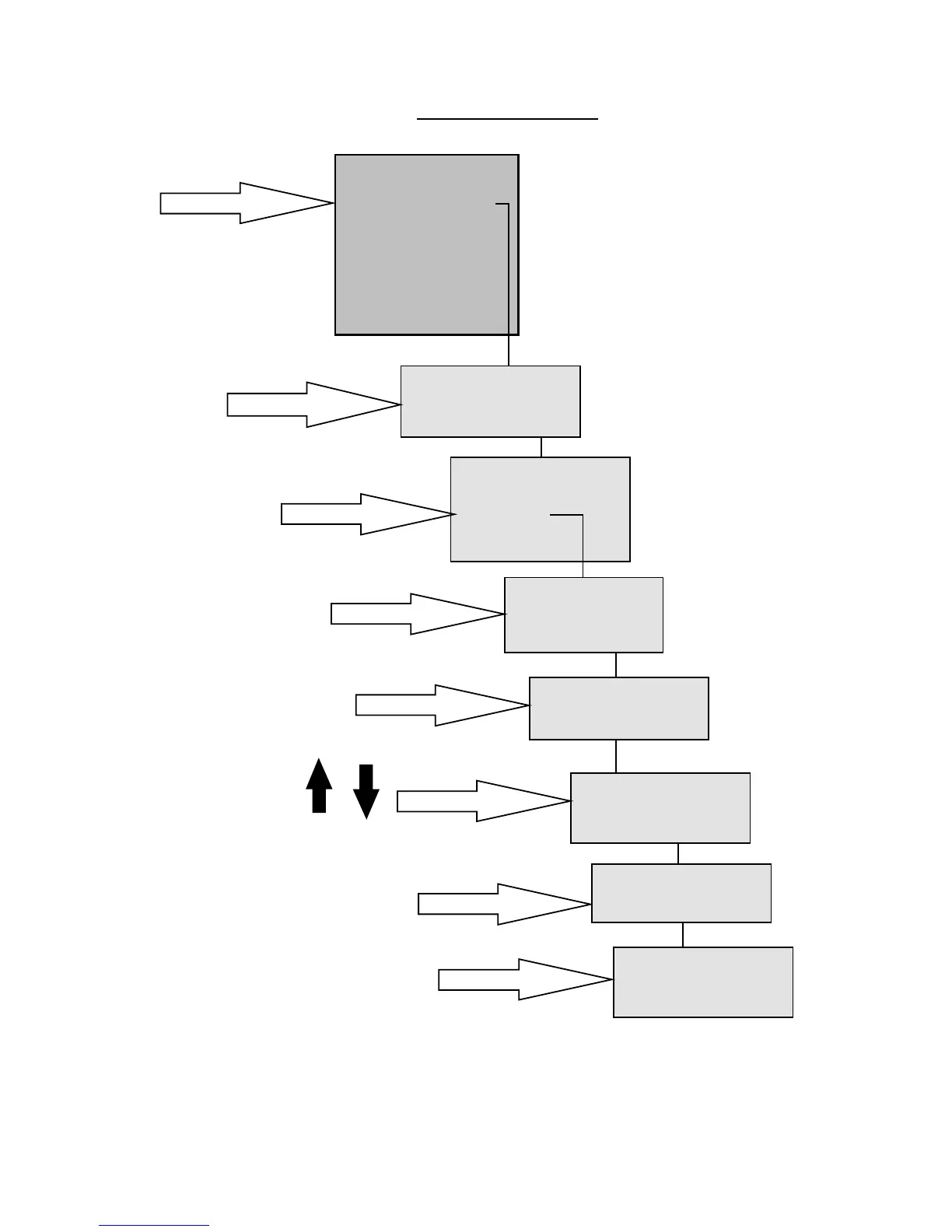
1. Select 2 on Key Pad
THERMOCODE 53C
1> [S] Print On Line
2 [F] Current_Format
3 Select Format
4 Service
5 Information
6 Supervisor
7Contact
8Test Print
9 Passcodes
[F]Current_Format
1> Home offset
2 Set Parameters
3 Edit Fields
4 Set Quantity
5 Save As...
[F]Current_Format
1> Texts
2 Counters
[F]Current_Format
> LotNumber
BestBefore
UseBy
Editing Text Fields
2. Press Right Arrow
WARNING
THIS ACTION CANCELS
PRINTING, PROCEED ?
NO YES
3. Select 3 on Key Pad
CHARGEHAND
Set the Passcode
and press ENTER
< if activated >
4. Enter Password
5. Select 1 on Keypad
6. Select field to edit
7. Edit and press Enter
Use these.
[F]Current_Format
Field: LotNumber
<QWERTY123456>
[F]Current_Format
> LotNumber
BestBefore
UseBy
8. Press Escape 3 times