Thermocode 2 Printer manual Version 2.04 January 2011 29
29
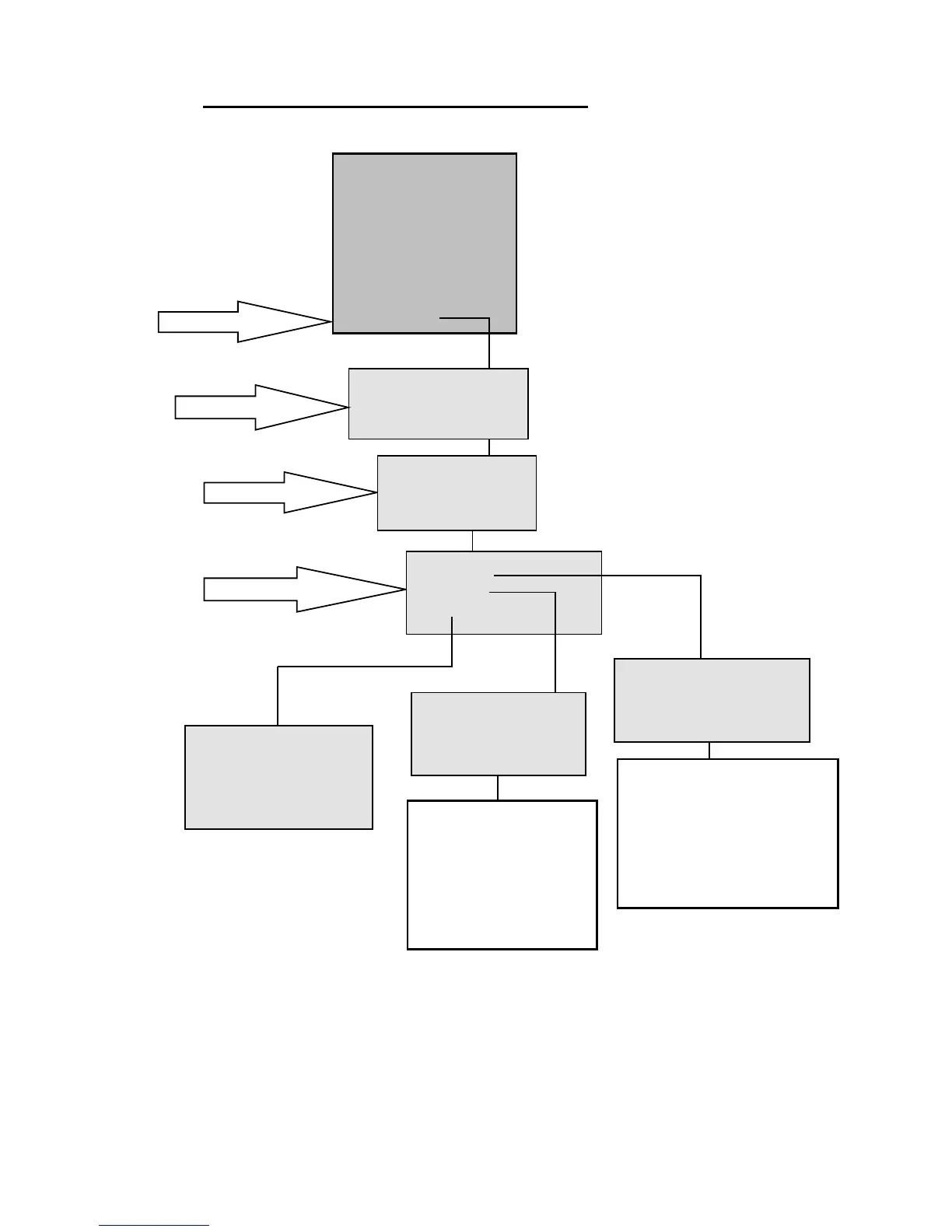
4. Select 1,2 or3 to change
THERMOCODE 53C
1> [S] Print On Line
2 [F] Current_Format
3 Select Format
4 Service
5 Information
6 Supervisor
7Contact
8Test Print
9 Passcodes
1. Select 9 on Key Pad
WARNING
THIS ACTION CANCELS
PRINTING, PROCEED ?
NO YES
2. Press Right Arrow
3. Enter Password
PROGRAMMING
Set the Passcode
and press ENTER
< >
SETTING PASSWORDS
1> Change
2 Activate
3 Display
Change a Passcode
Level number <1>
Old: < >
New: < >
Example:-
Use the Up/Down arrow keys to
Change the fields
To Change the level number <1>
Enter the Old Passcode < 1111 >
Enter the New Passcode < **** >
Press Enter to save changes
Activate a Passcode
Level number <1>
Enable: <N>
ENTER to save
Use the Up/Down arrow keys
to Change the fields.
Enter the Level number to
Enable = Y Disabled = N
Use the left and right arrow
keys to toggle “Y” or “N”
Display passwords
1> OPERATOR,1111
2 CHARGEHAND,2222
3 ENGINEER,3333
4 MANAGER,4444
5 SUPERVISOR,5555
STATUS DISPLAY SOFTWARE FLOWCHARTS (Level 7: PROGRAMMING)



 To Next Page