EasyManua.ls Logo

Open Date Thermocode Series 2 - Page 28

Default Icon
56 pages
Print Icon
To Next Page IconTo Next Page
To Previous Page IconTo Previous Page
Loading...
Thermocode 2 Printer manual Version 2.04 January 2011 28
28
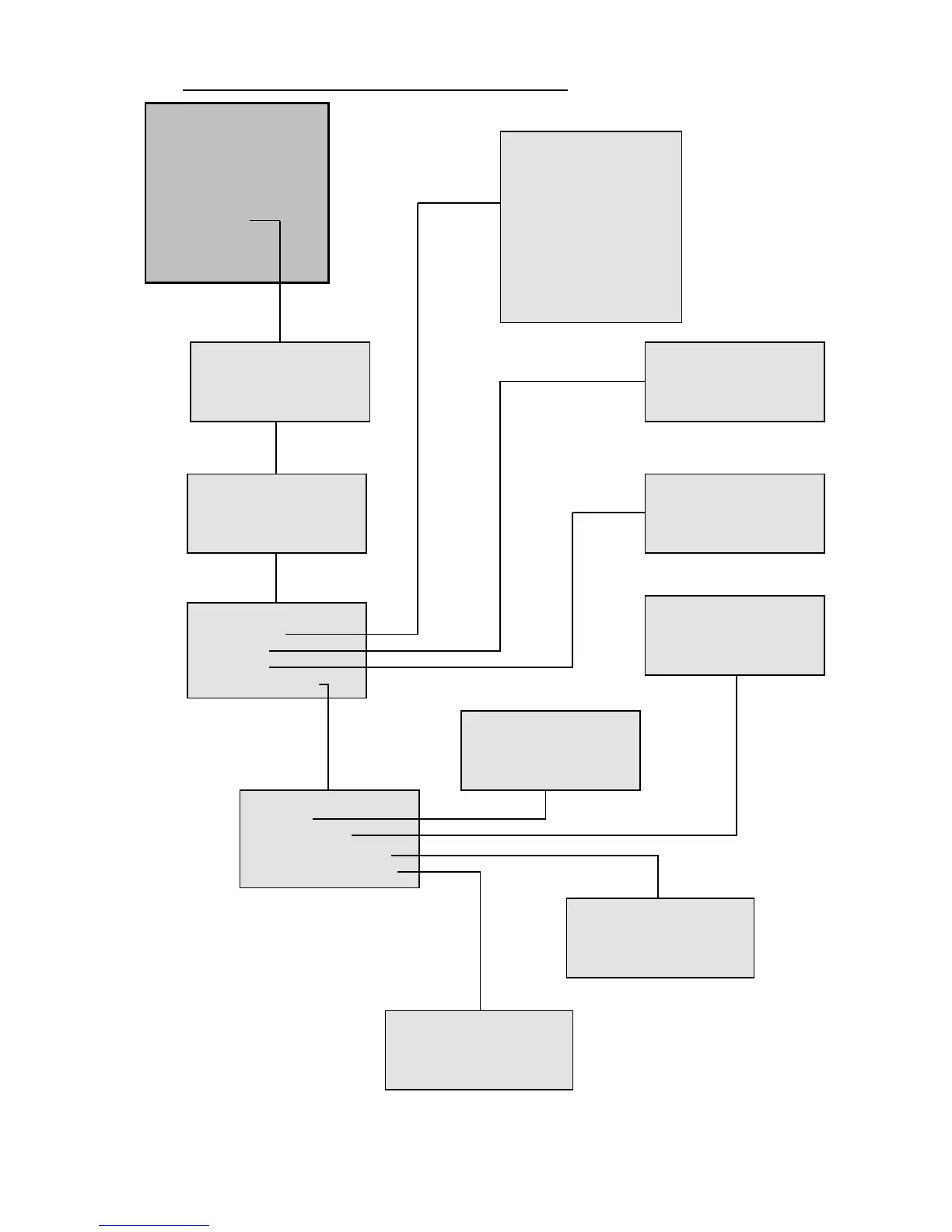
STATUS DISPLAY SOFTWARE FLOWCHARTS (Level 5: SUPERVISOR)
THERMOCODE 53C
1> [S] Print On Line
2 [F] LABEL1
3 Select Format
4 Service
5 Information
6 Supervisor
7Contact
8Test Print
9 Passcodes
WARNING
THIS ACTION CANCELS
PRINTING, PROCEED ?
NO YES
SUPERVISOR
Set the Passcode
and press ENTER
< if activated >
Supervisor
1> Language
2 Relays
3 Delays
4 Default Values
Set the RELAYS
Rel.1 : < 1 > Sequence
Rel.2 : < 1 > Low foil
Rel.3 : < 1 > Fault & Rdy
SET DEFAULT BURN
Burn:
<170>
ENTER to save
Set the DELAY values
Print delay: <100>ms
Inhib. delay: <+00>ms
Press ENTER to save
Language
1> English
2 Deutsch
3 Fraais
4 Nederlands
5 Espanol
6 Italiano
7Dansk
8English (USA)
9Polski
Default Values
1> Offset
2 Burn Values
3 Other Parameters
4 Quantity / Rotation
QUANTITY / ROTATION
Quantity: <000000>
(0 = infinite)
Rotation <0> (0)
SET DEFAULT OFFSET
Print Off.:
< 000 > mm
Press ENTER to save
DEFAULT PARAMETERS
Pressure: <20>
Print Speed <100>mm/s
Enter to save