9
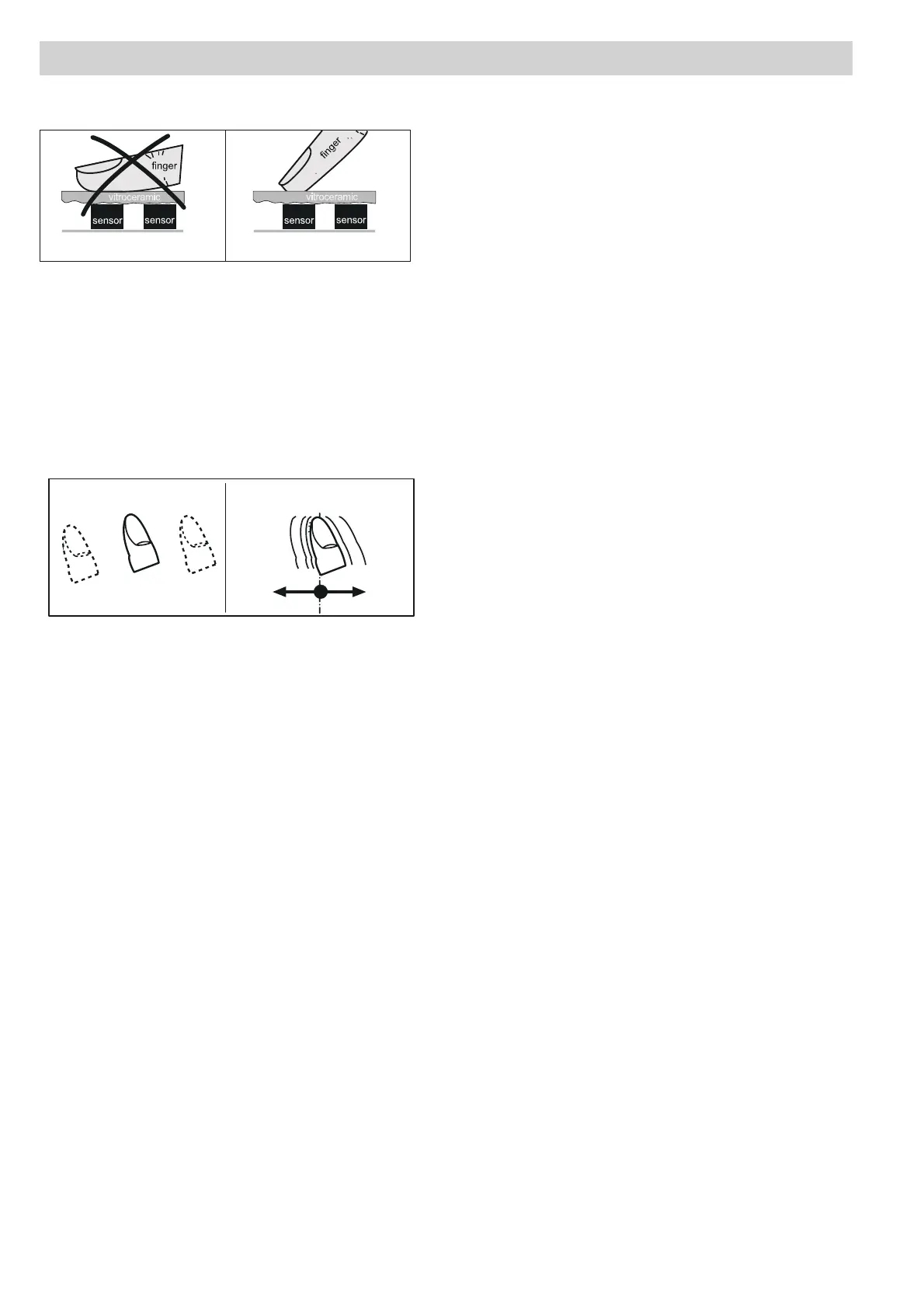
unsuitable right
Press the sensor field lightly or move your finger
around
You can press the sensor field very lightly with your
finger; when this is done the setting on the display
(power level) will gradually change.
When you put your finger on the sensor field and then
move it to the left or right, the display setting will change
progressively.
The faster the movement, the faster the change in the
display.
Appliance description
EN
2 3 4 5 6 7 8 9 P1
unsuitable right
Press the sensor field lightly or move your finger
around
You can press the sensor field very lightly with your
finger; when this is done the setting on the display
(power level) will gradually change.
When you put your finger on the sensor field and then
move it to the left or right, the display setting will change
progressively.
The faster the movement, the faster the change in the
display.
1
2 3 4 5 6 7 8 9 P
2 3 4 5 6 7 8 9 P
1
touch move


 To Next Page