28 Operating the System
AS7200 User Manual - OPEX Corporation
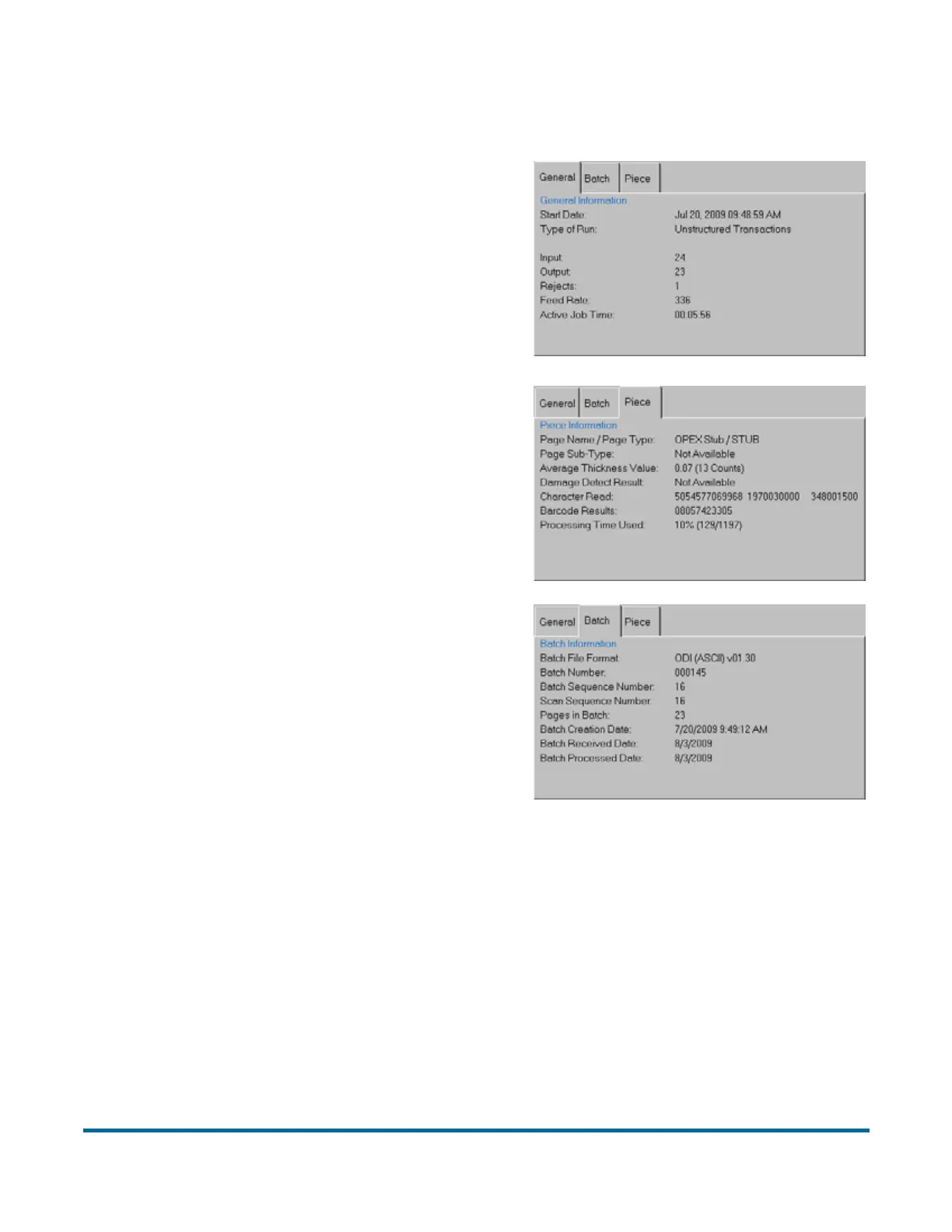
Note: Touch or click in the Information window to bring up the detailed view.
Preview/Zoom windows
The Preview window provides a large image of a scanned document. View an
image in the Preview window by selecting its thumbnail.
Touch the image in the Preview window to open the Zoom screen, where you
can enlarge or reduce the image and view any associated snippets.
Batch Number
System assigned or from a batch ticket
Batch Sequence Number System assigns to each page scanned
Scan Sequence Number Each page scanned is tracked even if it is later deleted
Pages in Batch System assigned
Batch Creation Date Date (and time) the batch was created
Batch Received Date System assigned or selected by operator at batch start
Batch Processing Date System assigned or selected by operator at batch start
Batch File Format How the system stores batch information
Character Read
Combined results of magnetic and optical MICR reads
Barcode Results Up to 3 per page
Page Sub-Type Page type sub-category (if available for current page type)
Average Thickness Value Thickness of the piece determined by the system
Page Name/Page Type Selected in Job Setup
Damage Detect Results Indicator for whether damage was found on piece
Processing Time Used Time used for each piece
Start Date Displays the date before pressing Go, displays the time after
Input Total pages scanned during the current run
Output Total pages to be saved in the batch
Rejects Pieces that have been rejected during the current run
Feed Rate Pages/hour
Active Job Time Total time for the current run
ype of Run Default job setting or selected by operator at the start of the batch
General Information
Piece Information
Batch Information



 To Next Page