Operating the System 29
AS7200 User Manual - OPEX Corporation
Note: Touch the screen at another center point to re-center the zoom. You can
re-center the zoom before or after enlarging or reducing the image.
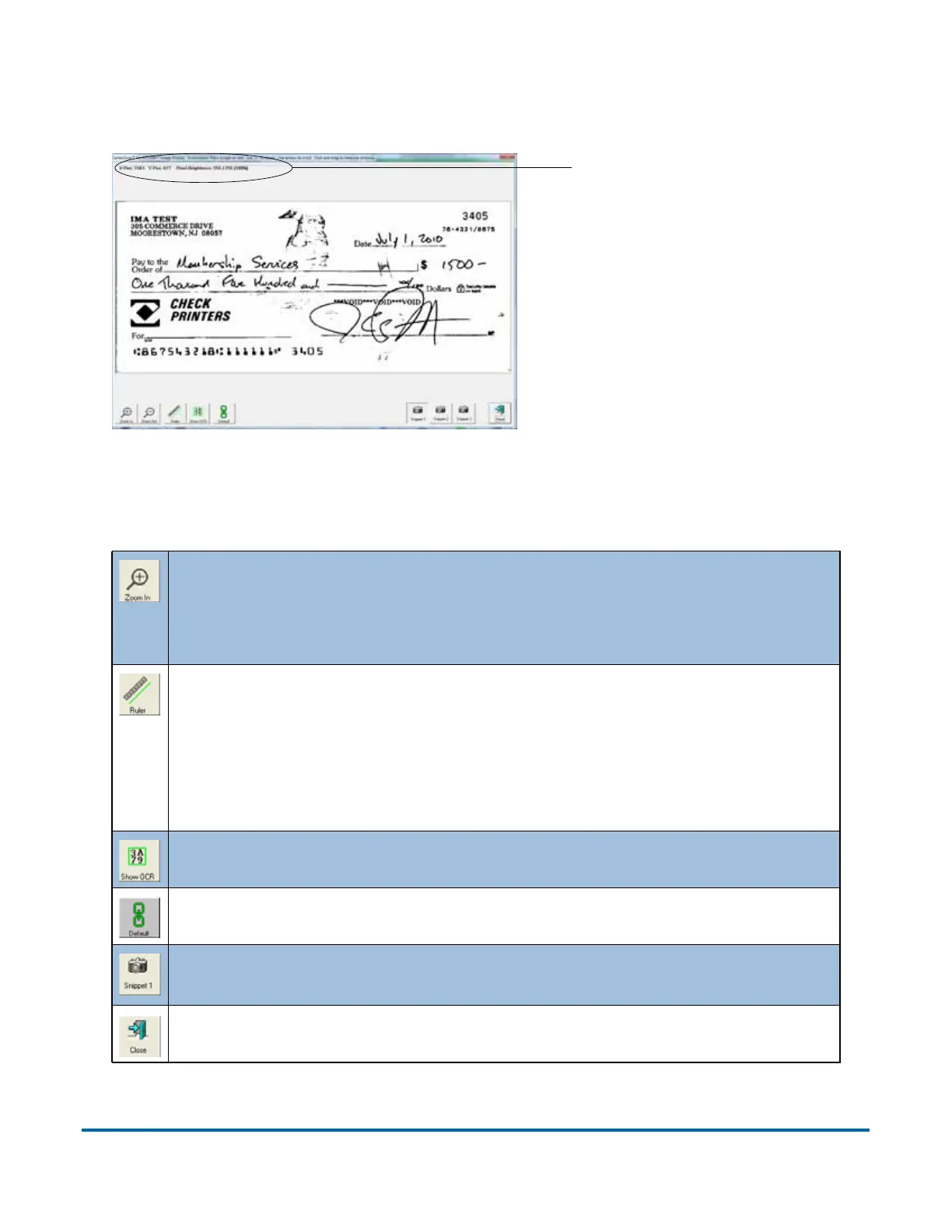
Figure 7: Zoom screen
The ZOOM IN and ZOOM OUT buttons enlarge and reduce the image in
the Zoom screen. Re-center the zoom by touching the new center on
the monitor or use the mouse. You can also use the + and - keys on
the keyboard to zoom in and out.
Use the R
ULER function to measure distance from one place to
another on the image. Use the mouse to click the Ruler button, then
click and hold the left mouse button on one location while you drag
the cursor to the other location. Notice that as you move the cursor
from place to place, its exact position is indicated in the field as noted
in Figure 7.
Display the designated scan area for the OCR lines.
Make this image the D
EFAULT for this page type.
View any SNIPPETS associated with the image. The snippets the
system captures are set up in the Page Type Parameters.
C
LOSE the Zoom window.
X,Y-axis position



 To Next Page