Version 1.0.3 - 2022-04-06 82 Translation of original instruction
D17 Pro│D23 Pro│D26 Pro│D33 Pro
EN
D17Pro_D23Pro_D26Pro_D33Pro_GB_3.fm
Mounting of base and drill column
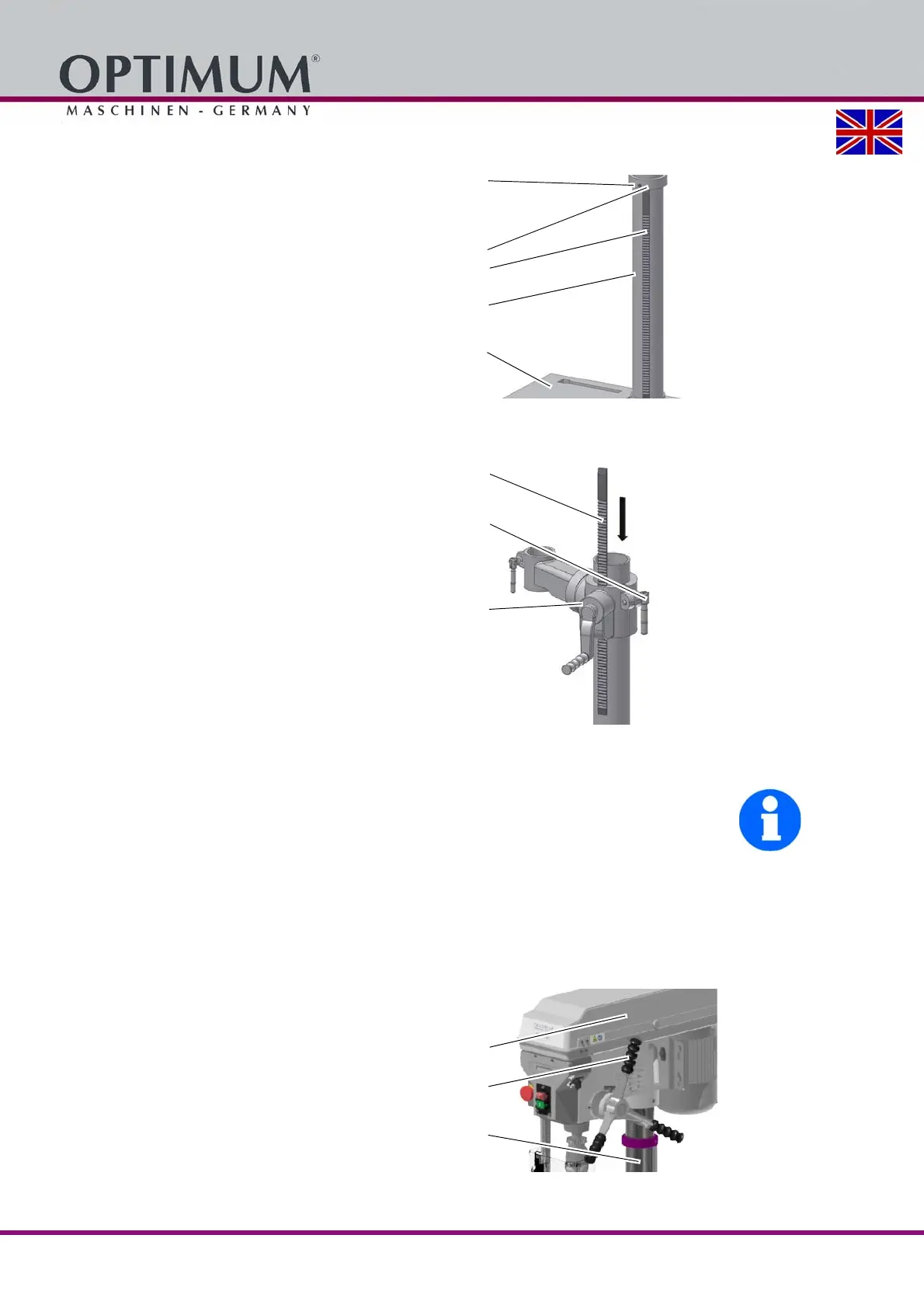
Position the base on the floor and
attach the column to the base. Fasten-
ing screws for the column have been
provided on the base.
Loosen the screw on the retaining ring
and remove the retaining ring and
toothed rack.
Img. 3-1: Assembly of the base
Mounting of the drilling table support
Position the worm gear in the support
of the drilling table.
Adjust the toothed rack within the table
support in a way that the teeth of the
toothed rack cam into the spiral wheel
of the support for the drilling machine
table.
Img. 3-2: Mounting of the drilling table support
INFORMATION
The longer untoothed end of the rack must point upward.
Push the drilling table support with the toothed rack on the drill column.
Push the retaining ring onto the upright and the rack.
Tighten the screw of the retaining ring slightly. Make sure that the drilling table support still
can be easily turned around the column.
Attach the clamping lever for drilling table fastening.
Fitting the drill head
Place the drill head on the column and
turn it until it is aligned with the base.
Immobilise the drill head with the two
screws in the drill head over the
toothed rack.
Screw in the spindle sleeve lever and
attach the crank of the table height
adjustment.
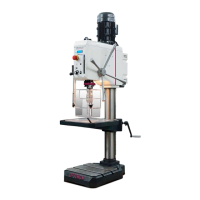
Img. 3-3: D26Pro
Screw
Retaining ring
Toothed rod
Drilling column
Stand
Toothed rod
Clamping lever
Drilling table sup-
port
Drill head
Lever
Spindle sleeve
lever
Drilling column




 To Next Page