OPTIMUM
MASCHINEN - GERMANY
Safety
Version 1.0 dated 2015-05-27 Page 13Original operating instructions
F3 GB
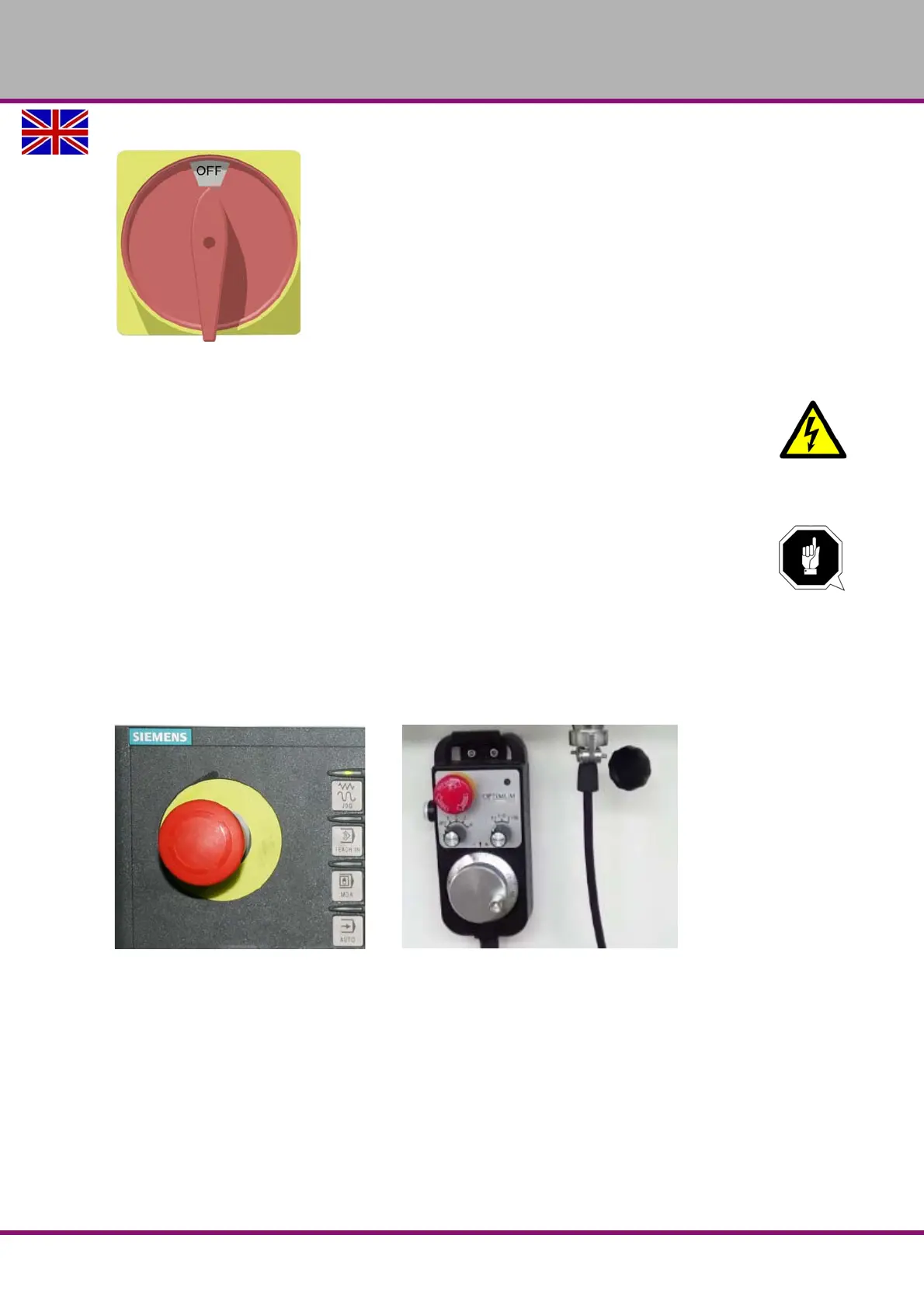
Img.1-1: Main switch
WARNING!
Dangerous voltage even if the main switch is switched off.
The areas marked by the pictogram might contain live parts, even if the main switch is switched
off.
1.9.2 Emergency-stop button
ATTENTION!
The EMERGENCY STOP push button immediately stops the operation of the CNC
machine.
Press the EMERGENCY STOP button only if there is a risk! If this push button is
actuated in order to switch off the CNC machine in the standard operation the tool or
workpiece might get damaged.
After having actuated the EMERGENCY-STOP mushroom switch, turn the knob of the particu-
lar push button to the right in order to restart the machine.
Img.1-2: Emergency-stop push button















 To Next Page