OPTIMUM
MASCHINEN - GERMANY
Safety
Version 1.0 dated 2015-05-27 Page 15Original operating instructions
F3 GB
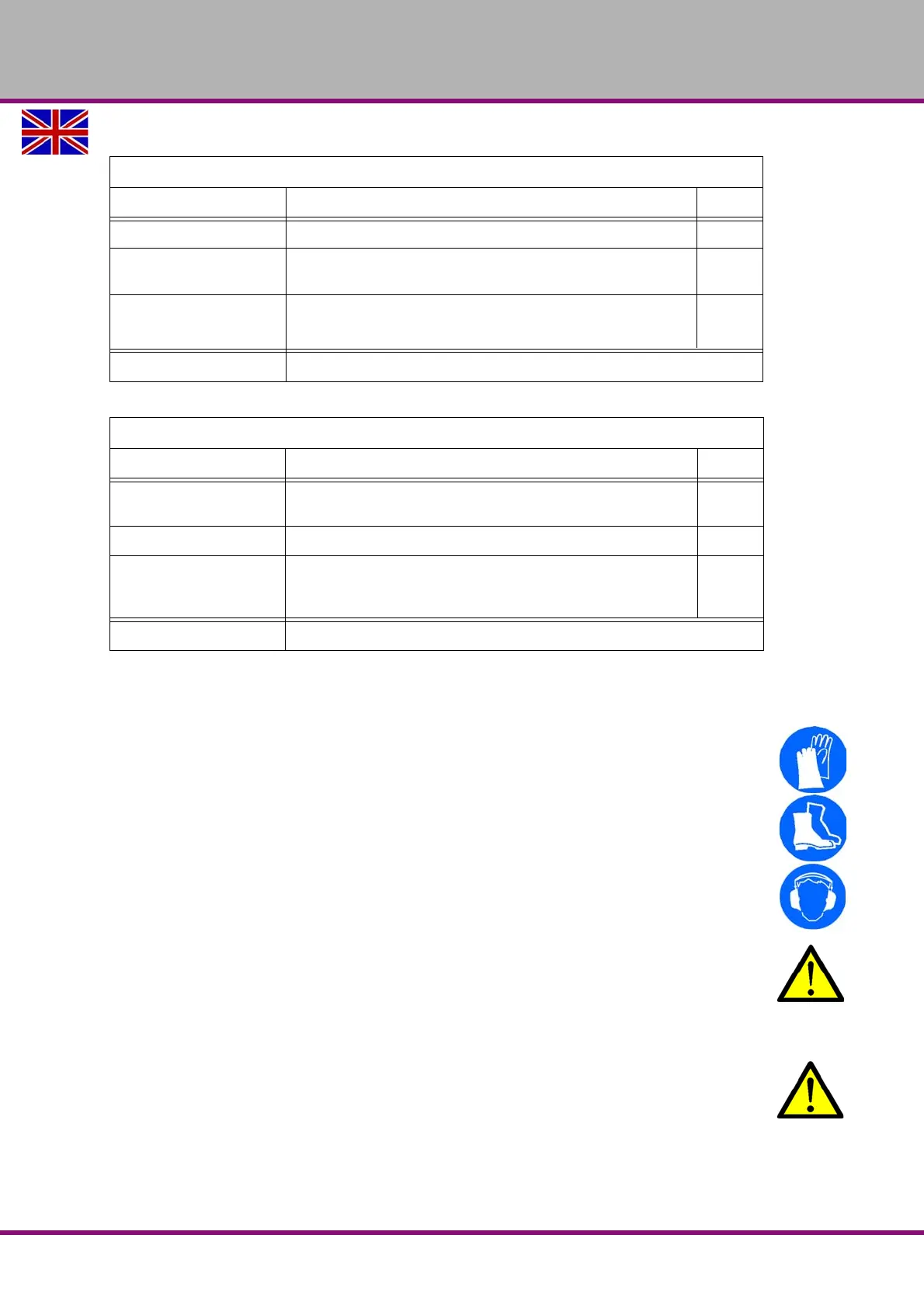
1.11 Personal protective equipment
For certain work personal protective equipment is required.
Protect your face and your eyes: Wear a safety helmet with facial protection when performing
work where your face and eyes are exposed to hazards.
Wear protective gloves when handling pieces or tools with sharp edges.
Wear safety shoes when you assemble, disassemble or transport heavy components.
Use ear protection if the noise level (emission) in the workplace exceeds 80 dB (A).
Before starting work make sure that the required personnel protective equipment is available at
the work place.
CAUTION!
Dirty or contaminated personnel protective equipment can cause illness. It must be
cleaned after each use and at least once a week.
1.12 Safety during operation
WARNING!
Before activating the CNC machine, ensure that this will not endanger other persons or
cause damage to equipment.
Avoid any unsafe work methods:
The instructions mentioned in these operating instructions have to be strictly observed dur-
ing assembly, operation, maintenance and repair.
General check
Equipment Check OK
Protective housing Switching function, firmly bolted and not damaged
Signs,
Markers
Installed and legible
Sight window Check for mechanical damage (scratches, cracks).
cracks,, "Polycarbonate windows“ on page 14
Date: checked by (signature):
Functional check
Equipment Check OK
EMERGENCY STOP
push button
After actuating an EMERGENCY STOP push button the CNC
machine must be switched off.
Switch cabinet cooling The cabinet cooling must be running.
Separating protective
equipment around the
CNC machine
If the protective equipment is open it must not be possible to
start program.
Date: checked by (signature):















 To Next Page