OPTIMUM
MASCHINEN - GERMANY
User interface, machine control panel
Version 1.0 dated 2015-05-27 Page 45Original operating instructions
F3 GB
5.2.1 Key combination
Excerpt from the manual of the operating instructions for "SINUMERIK 808D OPM Opera-
tion"
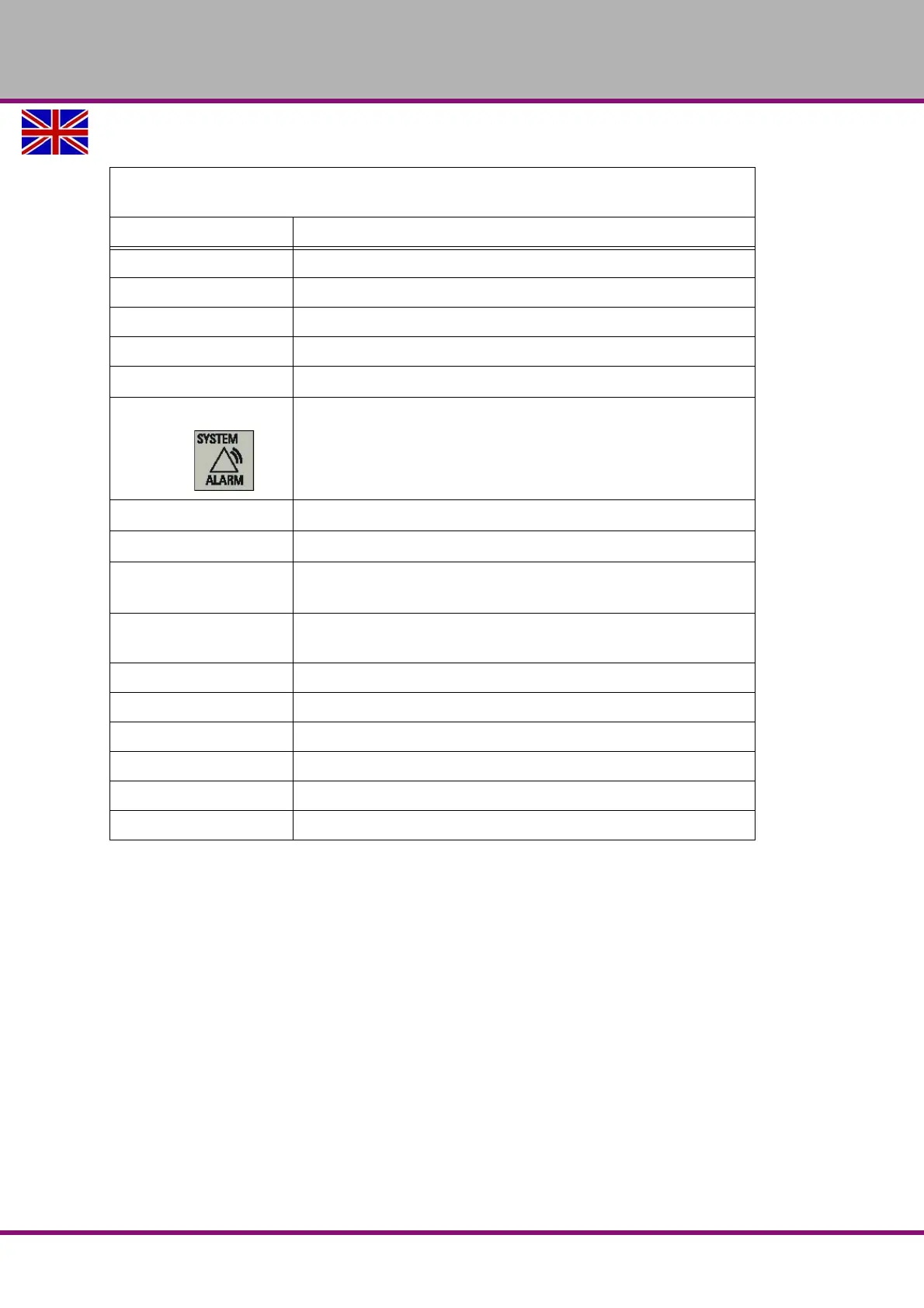
Element Description
<ALT> + <X> Opens the "Machine" operating area
<ALT> + <V> Opens the "Program" operating area
<ALT> + <C> Opens the "Offset" operating area
<ALT> + <B> Opens the "Program" operating area
<ALT> + <M>
Opens the "Alarm" operating area
<ALT> + <N>
<SHIFT> +
Opens the "System" operating area
<ALT> + <H>
Calls the online help system.
<ALT> + <L>
Enables input of lowercase letters.
<ALT> + <S>
Applicable only when the user interface language is Chinese.
Calls the input method editor for entering Chinese characters.
<=>
Calls the pocket calculator. Note that this function is not applicable in
MDA mode.
<CTRL> + <B> Selects text in program blocks.
<CTRL> + <C> Copies the selected text.
<CTRL> + <D> Shows pre-defined slides on the screen.
<CTRL> + <P> Captures screens
<CTRL> + <R> Restarts the HMI
<CTRL> + <S> Saves start-up archives















 To Next Page