OPTIMUM
MASCHINEN - GERMANY
Operation
Version 1.0 dated 2015-05-27 Page 55Original operating instructions
F3 GB
6.5 Operation of the machine
6.5.1 Turning on the CNC- machine
Switch on the main switch. "Lockable main switch“ on page 12
Wait until the control is completely started.
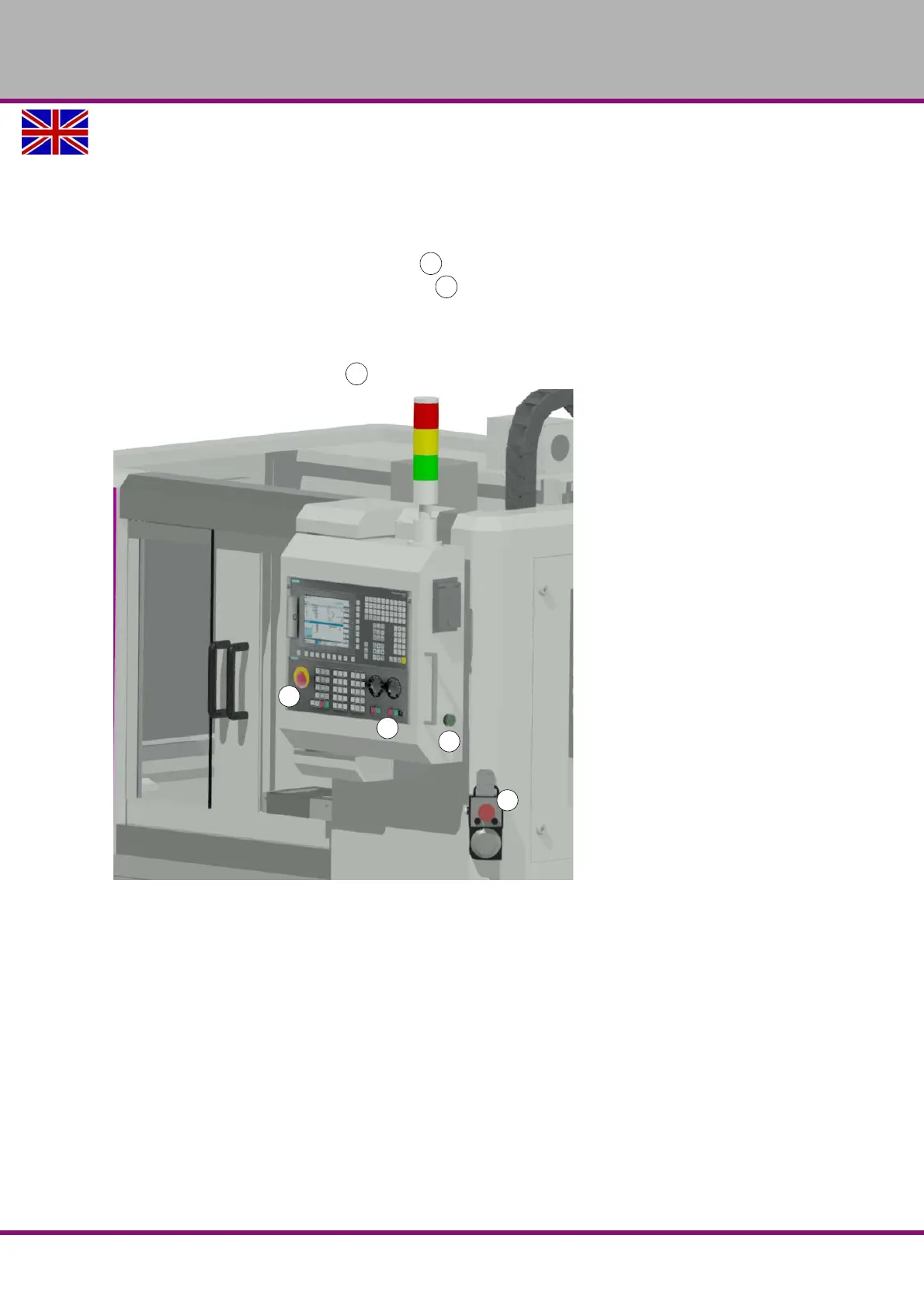
Press the push button "Drive control ON" .
Unlock the "Emergency Stop push buttons" .
- on the MCP,
- on the electronic handwheel.
Close - if not yet closed - the sliding door.
Press the pushbutton "Reset" .
Img.6-2: Operating area















 To Next Page