OPTIMUM
MASCHINEN - GERMANY
User interface, machine control panel
Version 1.0 dated 2015-05-27 Page 48 Original operating instructions
F3GB
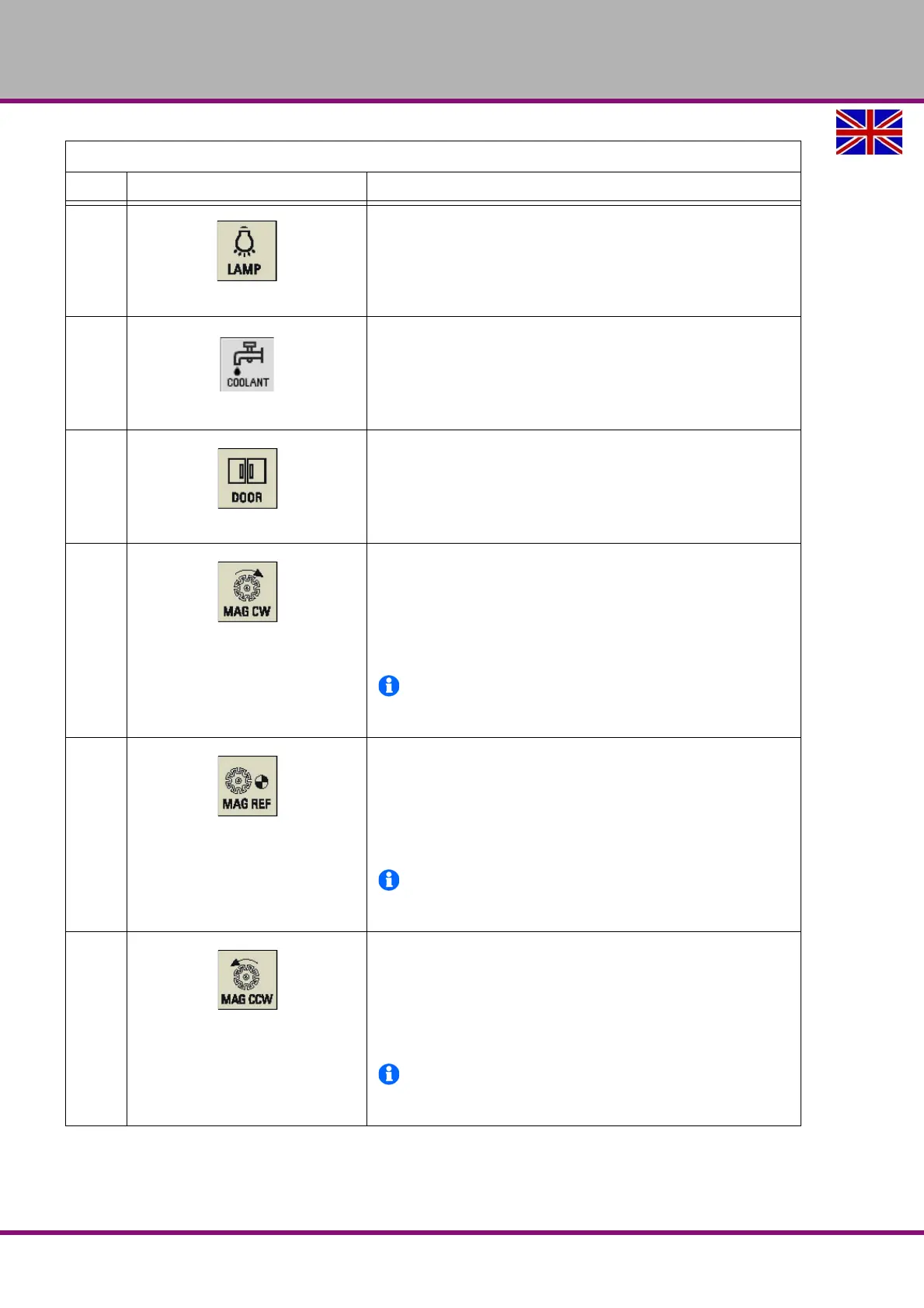
Machine luminaire control key
Pressing this in any operating mode switches on/off the machine
luminaire.
LED on: The machine luminaire is switched on.
LED off: The machine luminaire is switched off.
Coolant control key
Pressing this key in any operating mode switches on/off the coolant
supply.
LED on: The coolant supply is switched on.
LED off: The coolant supply is switched off.
Safety door control key
When all axes and the spindle stop operation, pressing this key
unlocks the safety door.
LED on: The safety door is unlocked.
LED on: The safety door is locked.
Clock wise magazine rotation
(active only in JOG mode)
Pressing this key rotates the magazine clockwise.
LED on: The magazine rotates clockwise.
LED off: The magazine stops clockwise rotation.
INFORMATION
The F3 does not have a tool changer. Therefore, the
key has no function.
Reference point approach of the magazine
(active only in JOG mode)
Pressing this key approaches the magazine to the reference point.
LED on: The magazine is reference point approached.
LED off: The magazine is not yet referenced.
INFORMATION
The F3 does not have a tool changer. Therefore, the
key has no function.
Counterclockwise magazine rotation
(active only in JOG mode)
Pressing this key rotates the magazine counterclockwise.
LED on: The magazine rotates counterclockwise.
LED off: The magazine stops counterclockwise rotation.
INFORMATION
The F3 does not have a tool changer. Therefore, the
key has no function.
Excerpt from the manual of the operating instructions for "SINUMERIK 808D OPM Operation"
Element Description















 To Next Page