Delta Elec. Inc. ES522 & EX532
Company Confidential Optoma___________________ Delta________________
28
2009/06/30
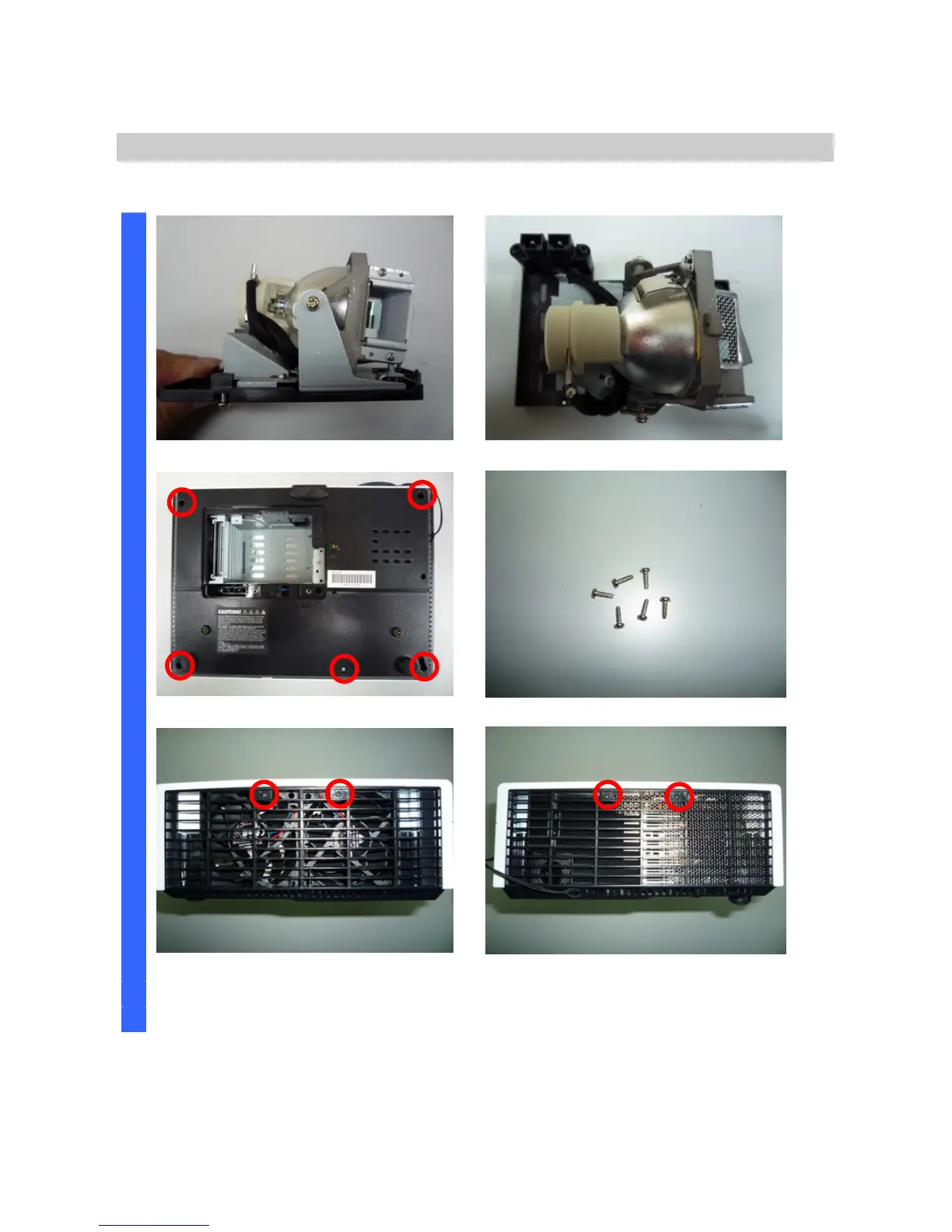
Removing the Lamp Module and Top Cover
Look the Lamp #3. Look the Lamp #4.
Remove the five screws. Look these five screws (
S02).
D
I
S
A
S
S
E
M
B
L
Y
Remove the two screws. Remove the two screws.



 To Next Page