Delta Elec. Inc. ES522 & EX532
Company Confidential Optoma___________________ Delta________________
47
2009/06/30
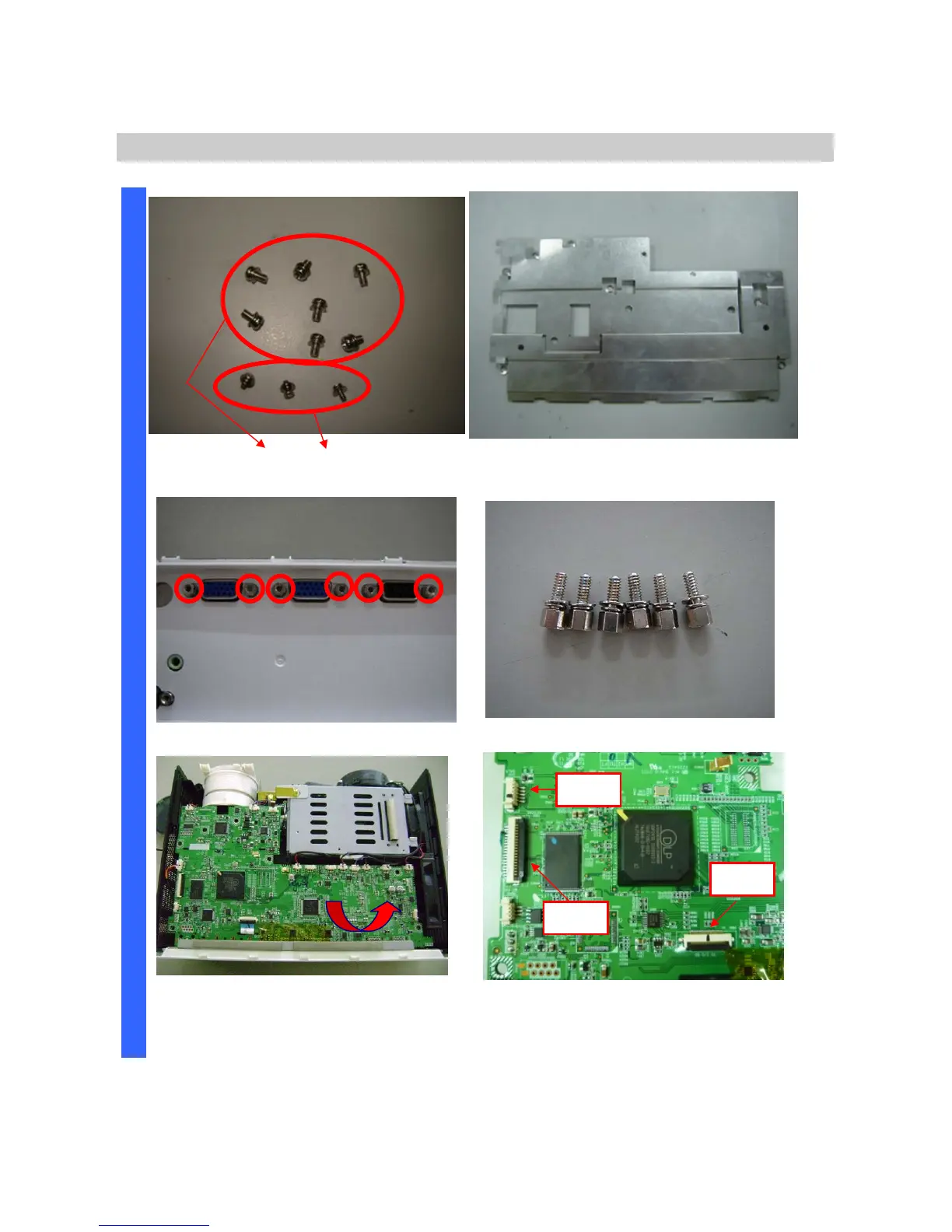
Removing the Main Board Plant & Main Board
Review the 7(S05)+3(S06) piece screws.
(Two kinds -- S05 and S06).
Remove the Main Board Plant.
Remove the two hexagonal screws. Review two hexagonal screws (S07).
D
I
S
A
S
S
E
M
B
L
Y
Remove the Main Board.
Careful area of these connectors and
check these right positions connection
when you recover main board again.
P800
KeyPad
P707
Ballast
P804 to I/O
Board



 To Next Page