Delta Elec. Inc. ES522 & EX532
Company Confidential Optoma___________________ Delta________________
77
2009/06/30
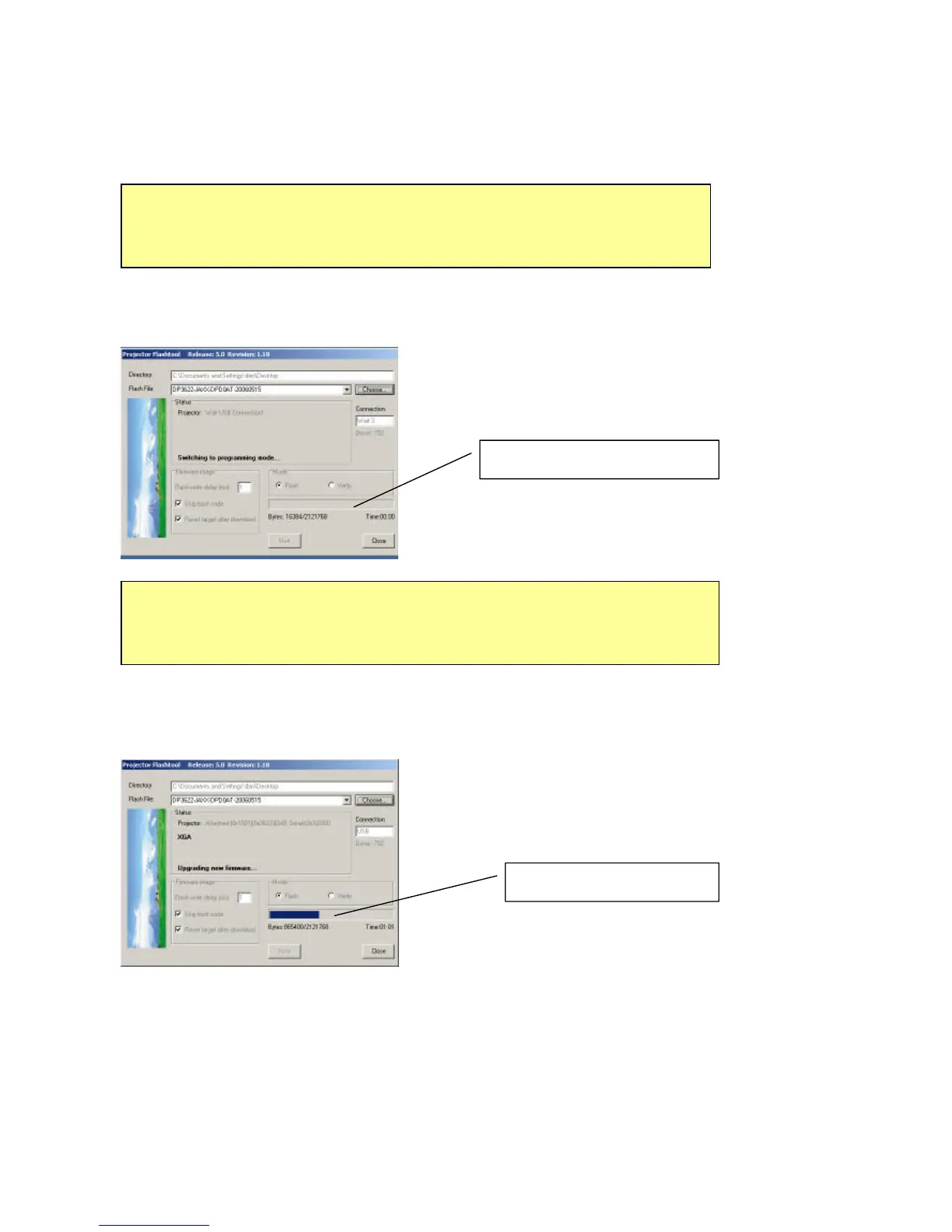
Note: According to the Flash technology, the old firmware will be erased first. Therefore, Flash-Tool will
automatically erase the old firmware before upgrading.
Note: After old firmware is erased, the new firmware upgrading process will start.
Caution:
DO NOT install any USB driver when erasing or upgrading process started.
Upgrading new firmware
Caution:
DO NOT install any USB driver when erasing or upgrading process started.
Erasing status



 To Next Page