Delta Elec. Inc. ES522 & EX532
Company Confidential Optoma___________________ Delta________________
92
2009/06/30
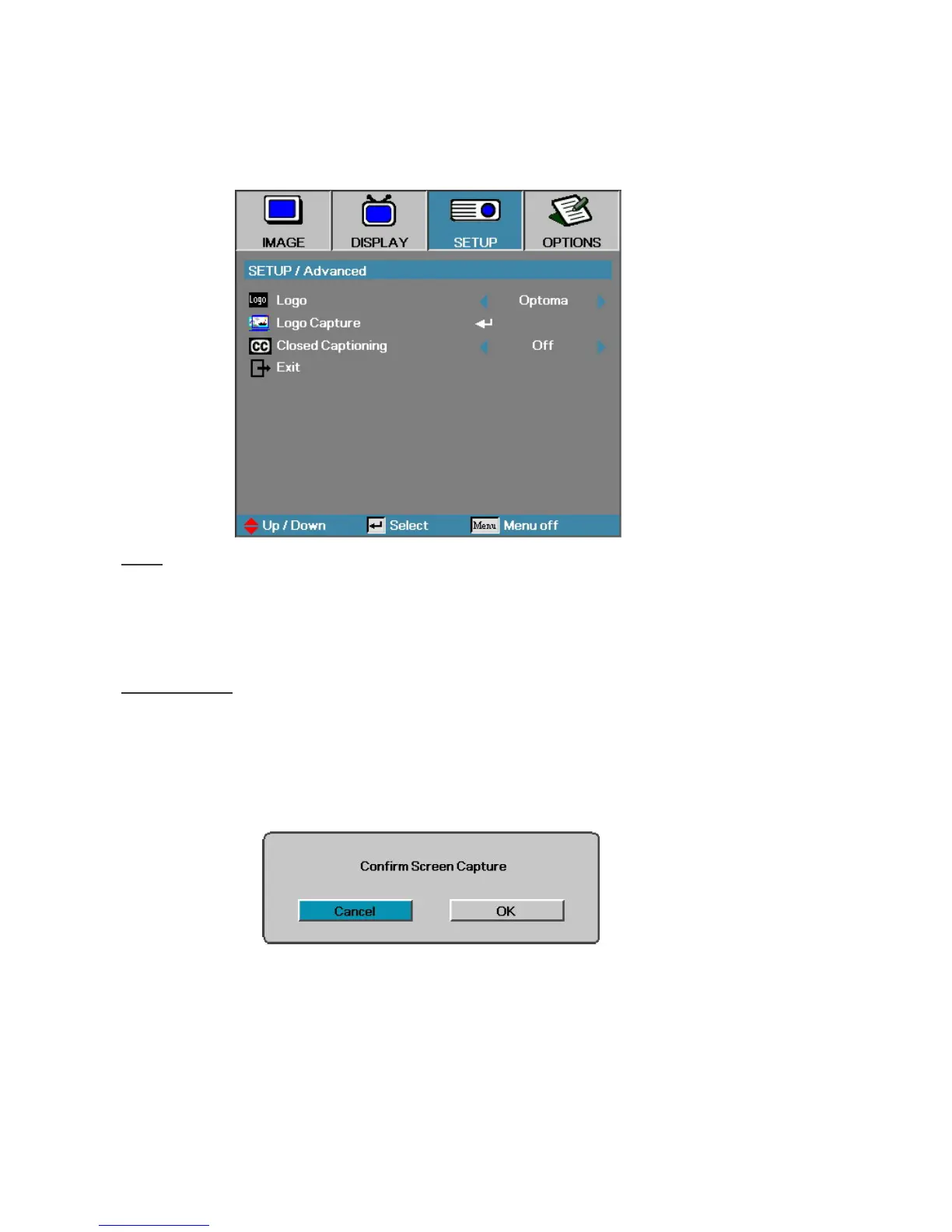
6-5. Logo Advanced
Logo
Select the screen to display during startup.
Optoma—the supplied default startup screen.
User—customized screen capture using the Logo Capture function.
Logo Capture
Capture a displayed screen to use as the startup screen.
1. Display the desired screen on the projector.
2. Select Logo Capture from the Advanced menu.
A
confirmation
screen displays.
3. Select OK. Screen capture in progress.
Screen capture succeeded displays. The captured screen is saved as User
in the Logo menu.



 To Next Page