English
23
User Controls
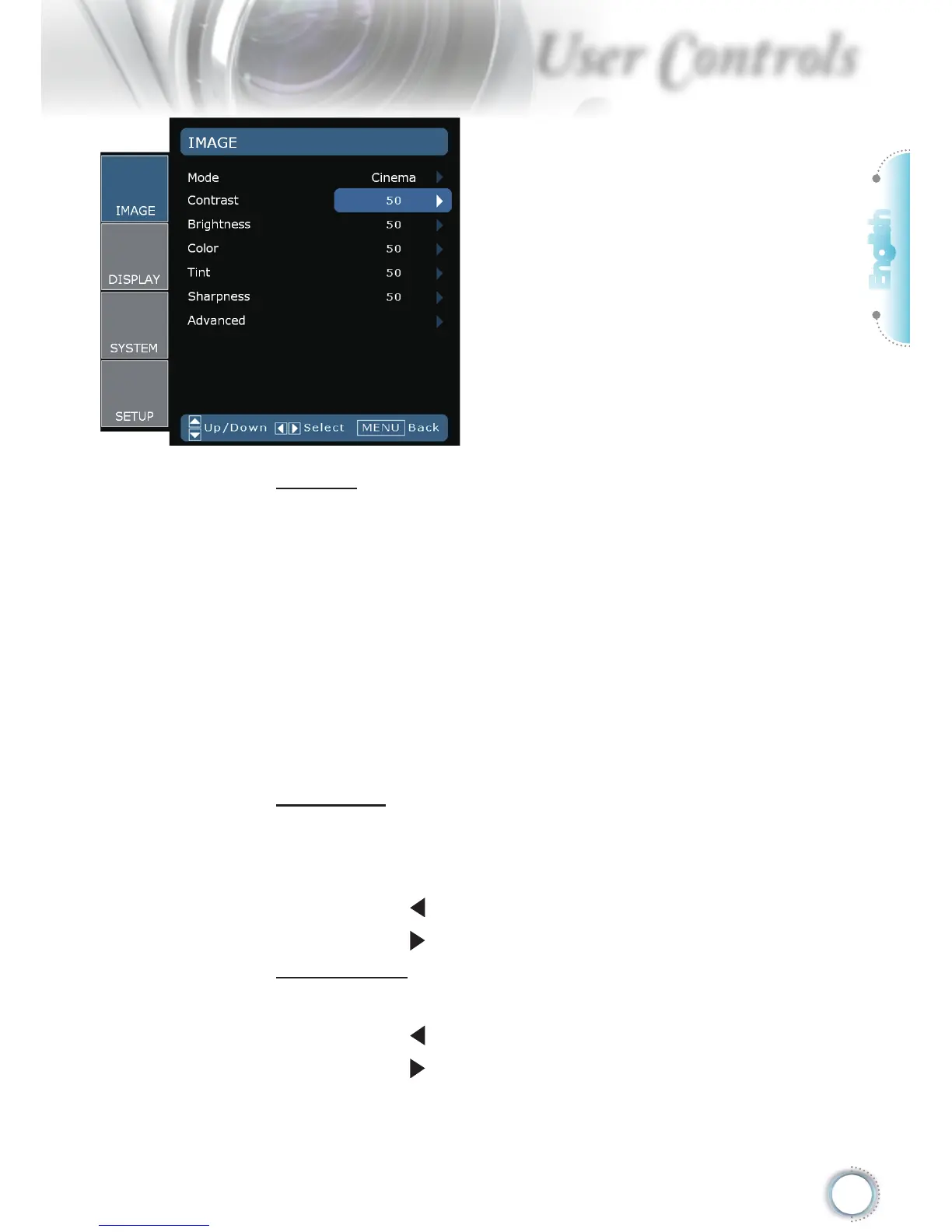
Image
Mode
There are many factory presets optimized for various types of im-
ages.
Cinema: For home theater.
Bright: Maximum brightness input.
Photo: Optimized for displaying photographic images.
Reference: This mode is intended to reproduce, as close as
possible, the image the way the movie director intended. Color,
color temperature, brightness, contrast and gamma settings are
all congured to standard reference levels.
User: User’s settings.
Contrast
The contrast controls the degree of difference between the lightest
and darkest parts of the picture. Adjusting the contrast changes
the amount of black and white in the image.
Press the to decrease the contrast.
Press the to increase the contrast.
Brightness
Adjust the brightness of the image.
Press the to darken image.
Press the to lighten the image.



 To Next Page