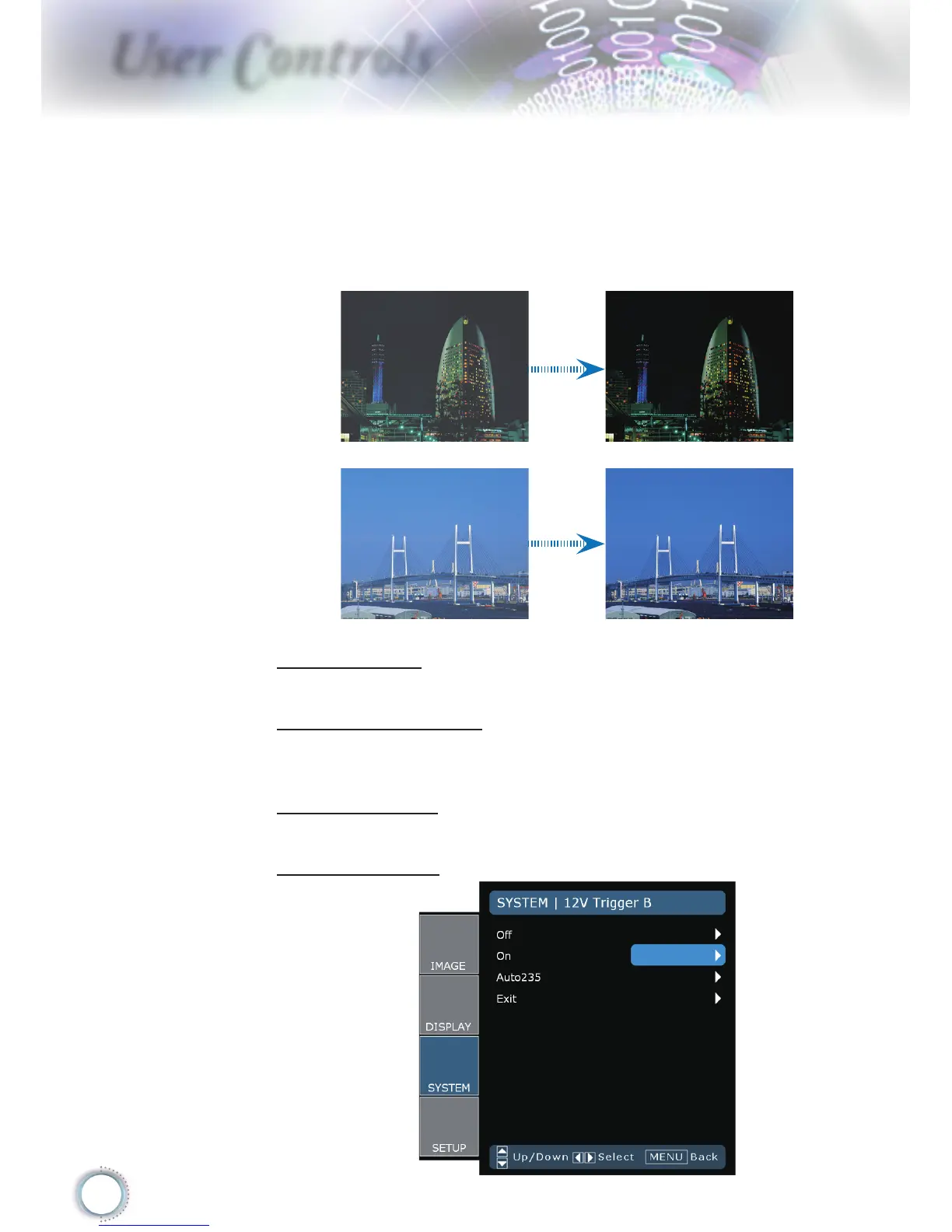
On: The dynamic image performance manager is active in mak-
ing sure your greatest pleasure from seeing a movie dynami-
cally with the most dark details revealed, vivid and bright image
performed all the way.
Off: The dynamic image performance manager is on standby.
Test Pattern
Display a test pattern. There are Grid, White pattern and None.
Background Color
Use this feature to display a “Dark Blue”, “Black”, or “Gray” screen
when no signal is available.
12V Trigger A
12V trigger A provides a standard trigger for motorized screens.
12V Trigger B



 To Next Page