English
31
User Controls
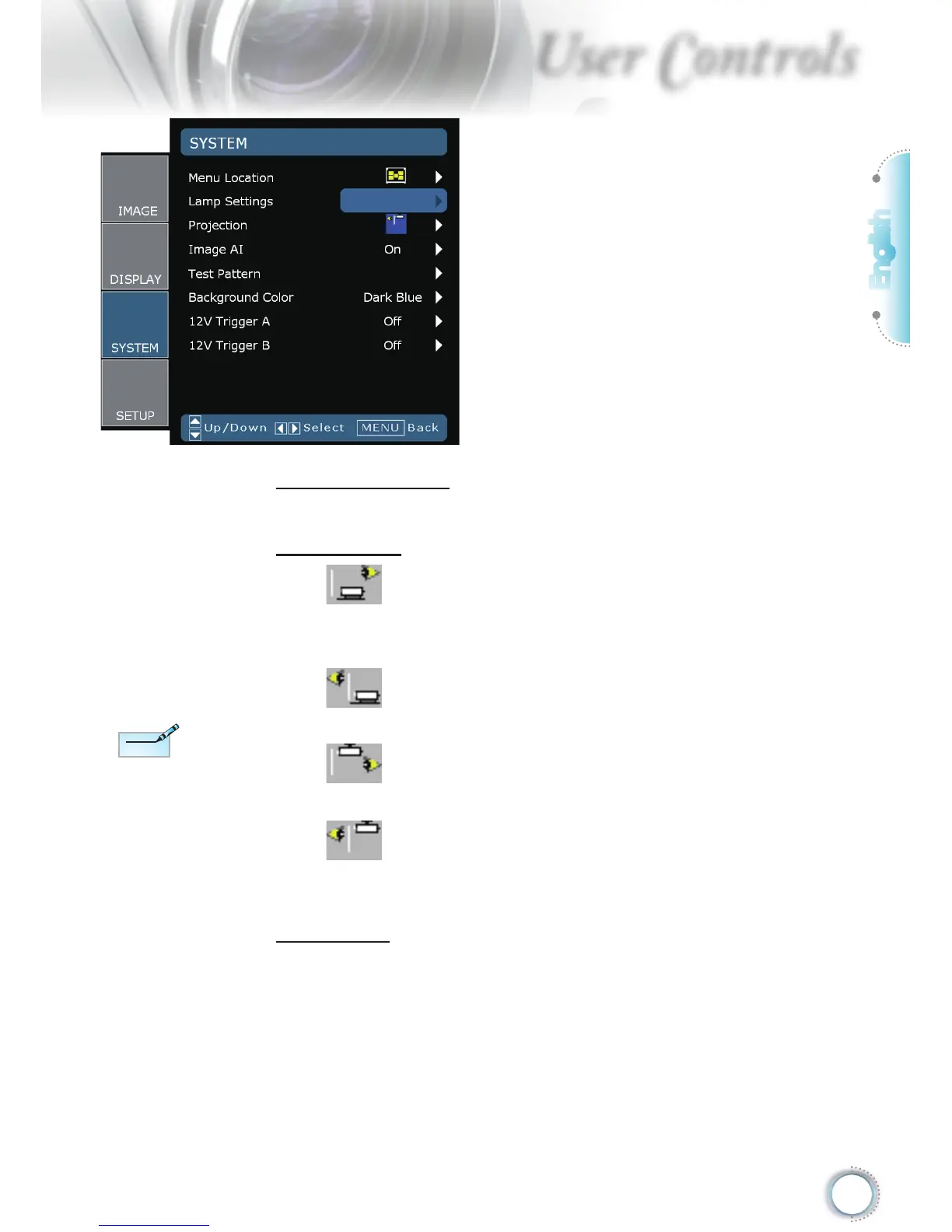
Menu Location
Choose the menu location on the display screen.
Projection
Front-Projection
This is the default selection. The image is projected straight on
the screen.
Rear-Desktop
When selected, the image will appear reversed.
Front-Ceiling
When selected, the image will turn upside down.
Rear-Ceiling
When selected, the image will appear reversed in upside down
position.
Image AI
Image AI improves the contrast of the picture by optimizing the
brightness of the lamp according to the picture content.
System
Rear-Desktop and
Rear-Ceiling are to be
used with a translucent
screen.



 To Next Page