Replacing the Lamp
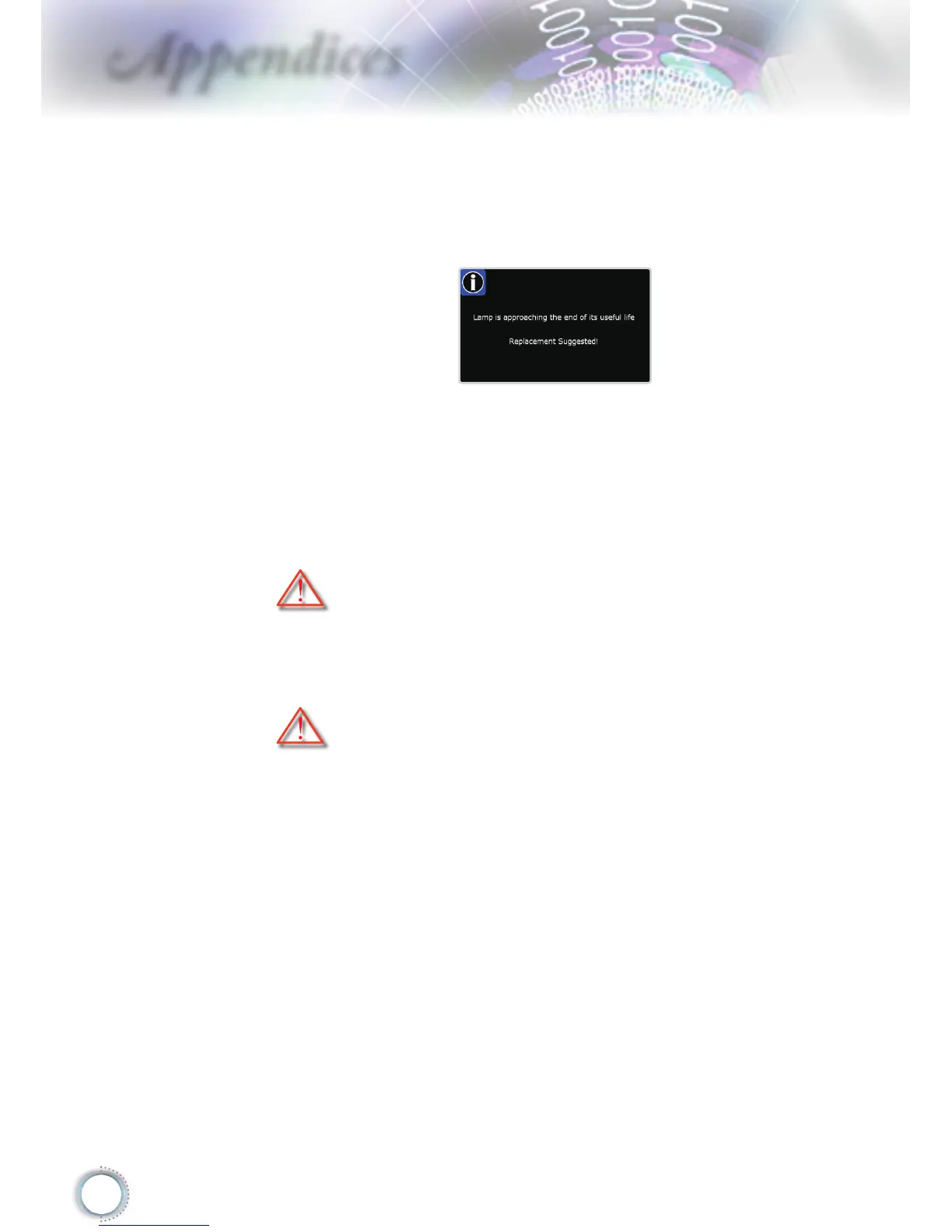
The projector automatically detects the lamp life. When the
lamp life is nearing the end of use, you will receive a warning
message.
When you see this message, please contact your local
reseller or service center to change the lamp as soon as
possible. Make sure the projector has been cooled down for
at least 30 minutes before changing the lamp.
Warning: Lamp compartment is hot! Allow it to cool down before
changing lamp!
Warning: To reduce the risk of personal injury, do not drop the lamp
module or touch the lamp bulb. The bulb may shatter and cause
injury if it is dropped.



 To Next Page