English
35
User Controls
Language
Choose the multilingual OSD menu. Press or into the sub
menu and then use the or key to select your preferred lan-
guage. Press “Select (Enter)” to nalize the selection.
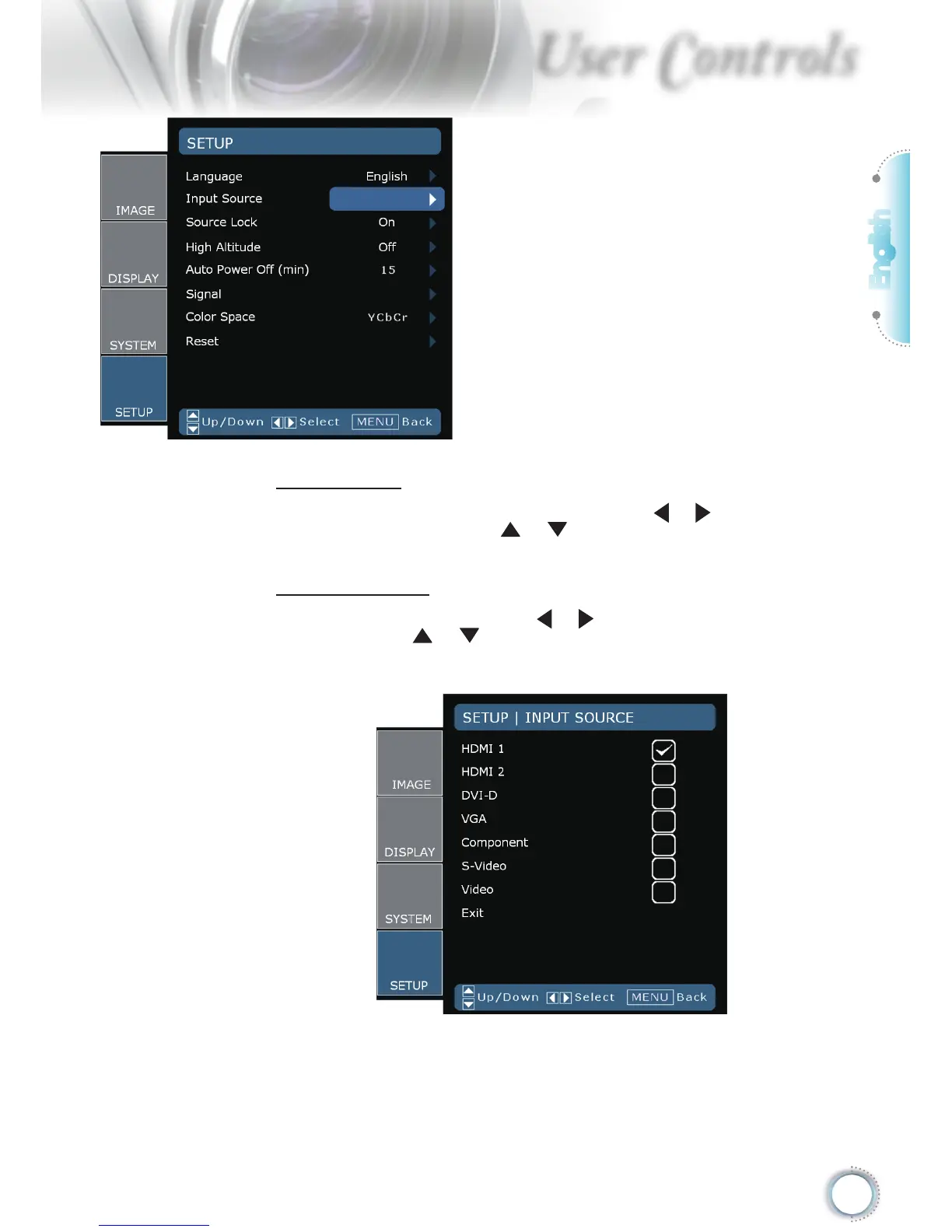
Input Source
Enable input sources. Press or into the next menu as below
and then use or to select. Press “Select (Enter)” to nalize
the selection. The projector will not search inputs that are de-se-
lected.
Setup



 To Next Page