English
33
User Controls
Off: disables the trigger.
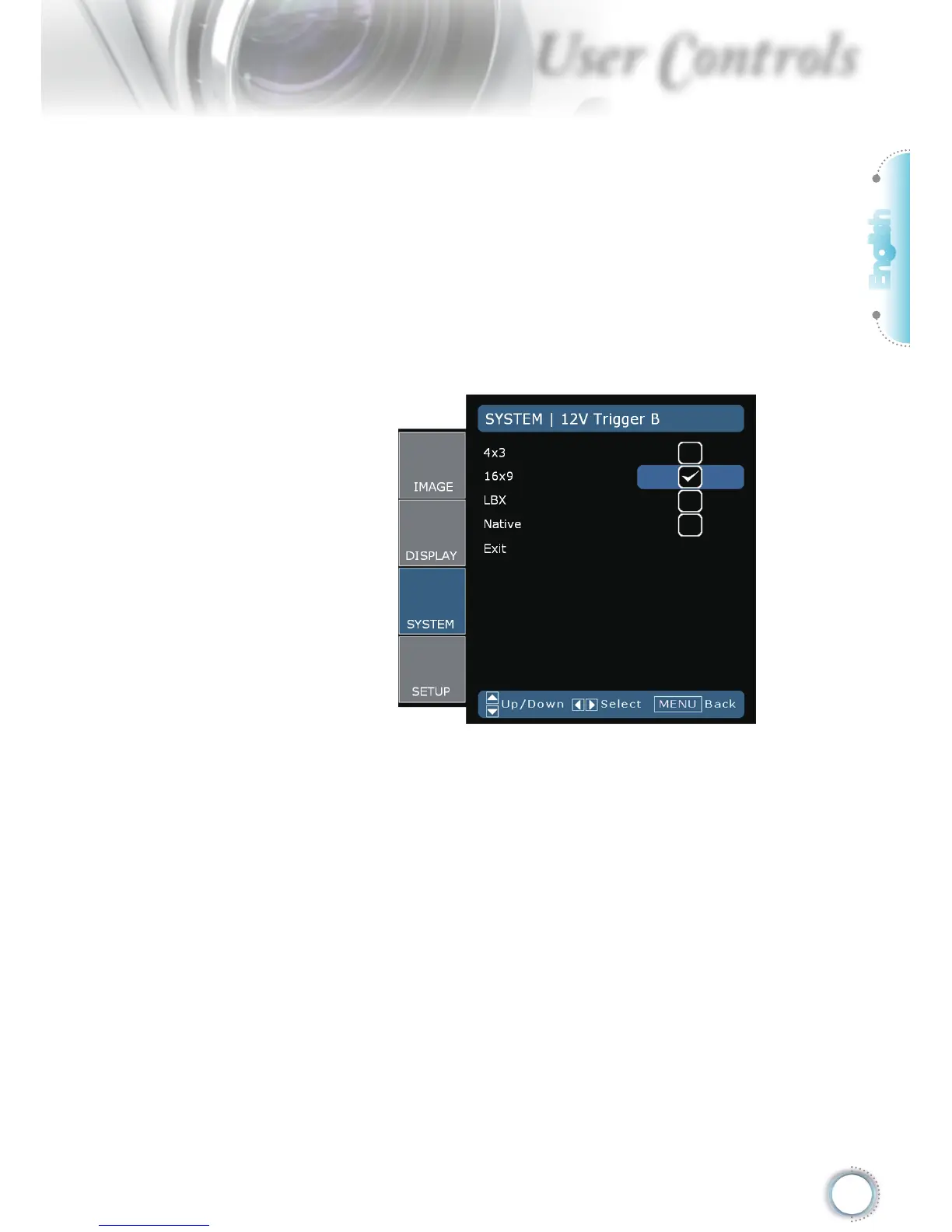
On: enables the trigger and the programmable sub-menu. The
sub-menu is accessed by selecting the ON option then press-
ing the ENTER button on the remote control. Checking an op-
tion in the sub-menu will activate the trigger when the selected
display mode is selected. In the example below 16:9 has been
selected – this means that Trigger B will be active when the
projector display mode is set to 16:9. The trigger will be inactive
for all the other display mode options.
Auto235: When AUTO235 is enabled the projector will automat-
ically detect when a 2.35:1 ratio presentation is being shown
and will activate the trigger on this port which, in turn, can be
used to activate a motorised anamorphic lens assembly. The
AUTO235 setting and a motorised anamorphic lens assembly
can be used in this way to provide a fully automated “Constant
Height” projection system



 To Next Page