English
25
User Controls
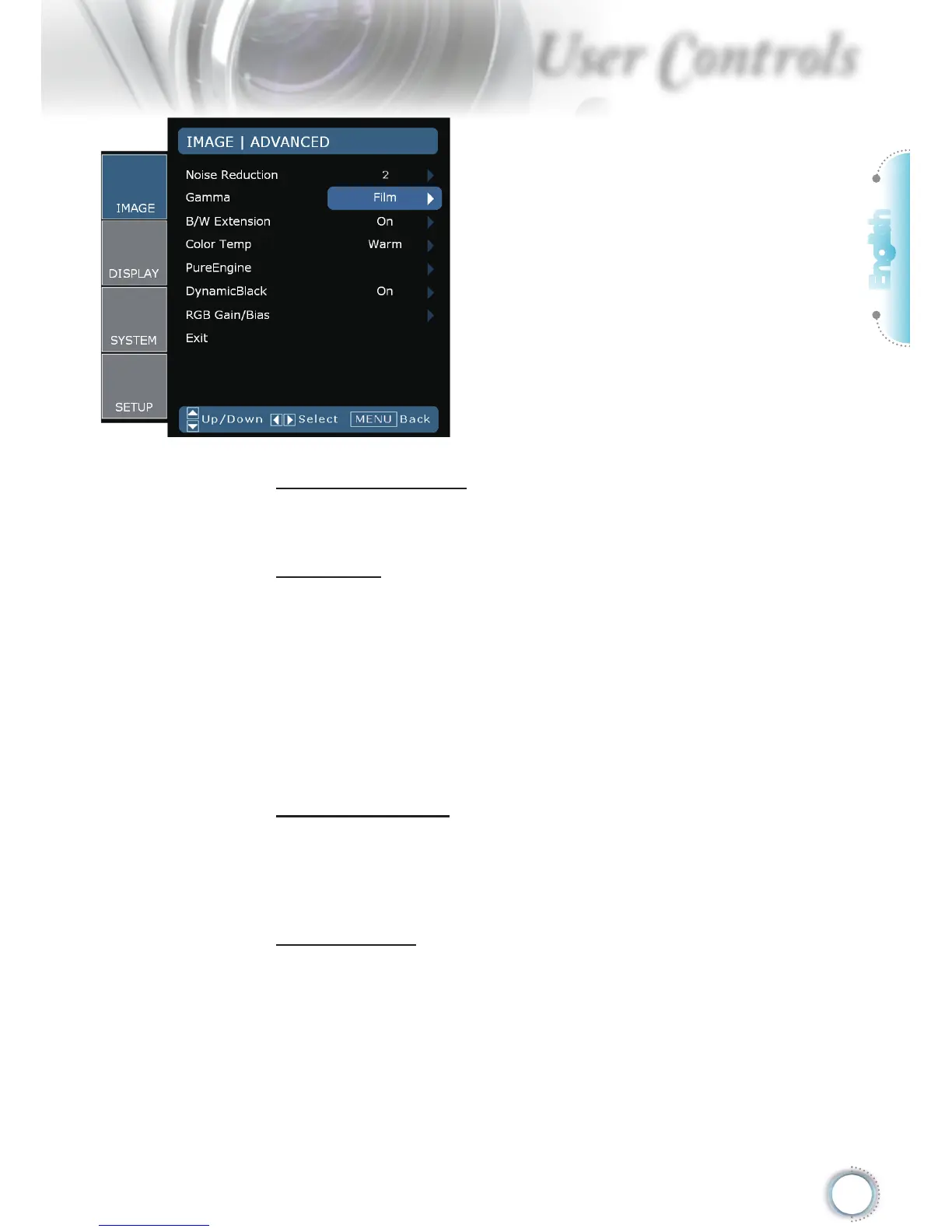
Image | Advanced
Noise Reduction
The motion Adaptive Noise Reduction reduces the amount of vis-
ible noise interlaced signals. The range is from “0” to “10”. (0:Off)
Gamma
This allows you to set up gamma curve type. After the initial setup
and ne tuning is completed, utilize the Gamma Adjustment steps
to optimize your image output.
Film: for home theater.
Video: for video or TV source.
Graphics: for image source.
Standard: for standardized setting.
B/W Extension
Black and White Extension can stretch the black and white levels
to automatically increase the contrast of input image. This unit has
2 pre-set modes that allow the user to switch among the pre-sets
to obtain different image effects. (Off/On)
Color Temp
If set to cold temperature, the image looks bluish (cold image). If
set to warm temperature, the image tends to looks reddish (warm
image).



 To Next Page