71
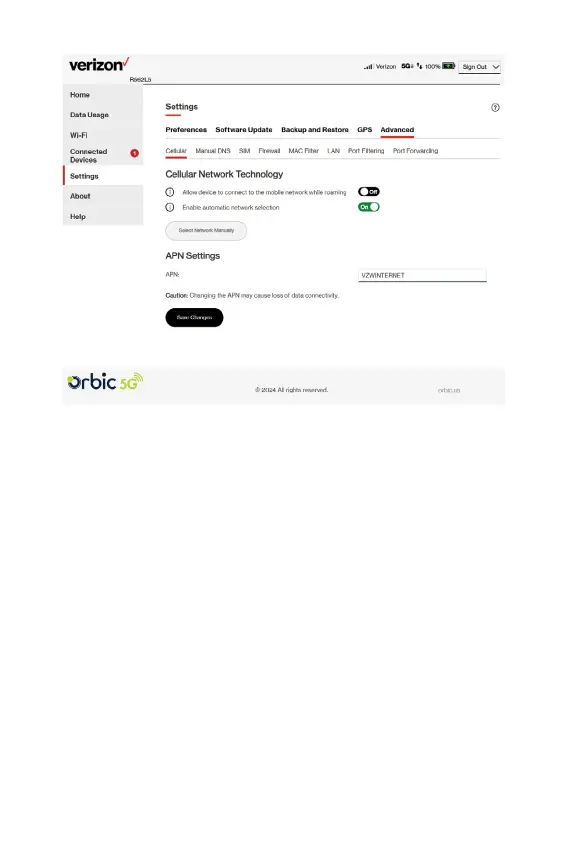
Cellular Network Technology
• Allow device to connect to the mobile network while
roaming: Use the ON/OFF slider when necessary to turn
international and domestic roaming on or off as needed.
Additional data charges may apply when roaming.
• Enable automatic network selection: When the ON/OFF
slider is ON, your Hotspot automatically selects the best 5G/
LTE/UMTS available network and you cannot use the Select
Network Manually button.
Select Network Manually: You may wish to use this option if
multiple networks are available and you have a preference.
NOTE: This option is available only if Enable automatic network
selection is off. Click the button to scan for available networks,
then choose the prefer network.



 To Next Page