72
APN Settings
APN: Enter the APN for your private network.
CAUTION: Changing the APN may cause a loss of data
connectivity and disconnect you from the Web UI.
Click Save Changes.
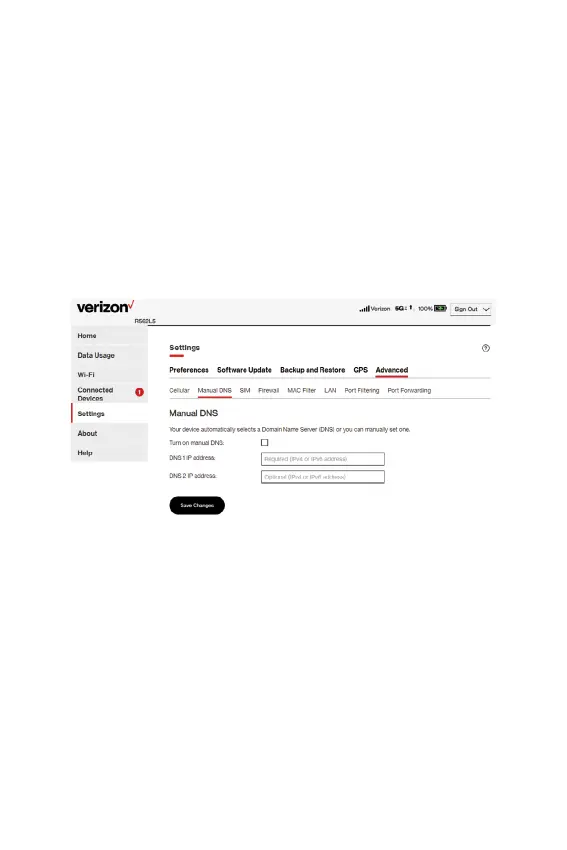
Manual DNS tab
The Hotspot automatically selects a Domain Name Server (DNS).
This tab allows you to manually assign up to two DNS IP addresses.
Manual DNS
• Turn on manual DNS: Check this box to manually select a
DNS.
• DNS 1 IP address: Enter the IP address for the primary DNS.
This address is required to use the Manual DNS feature.
• DNS 2 IP address: Enter the IP address for the secondary
(backup) DNS. This address is optional and may be left blank
if desired.
• Click Save Changes.



 To Next Page