73
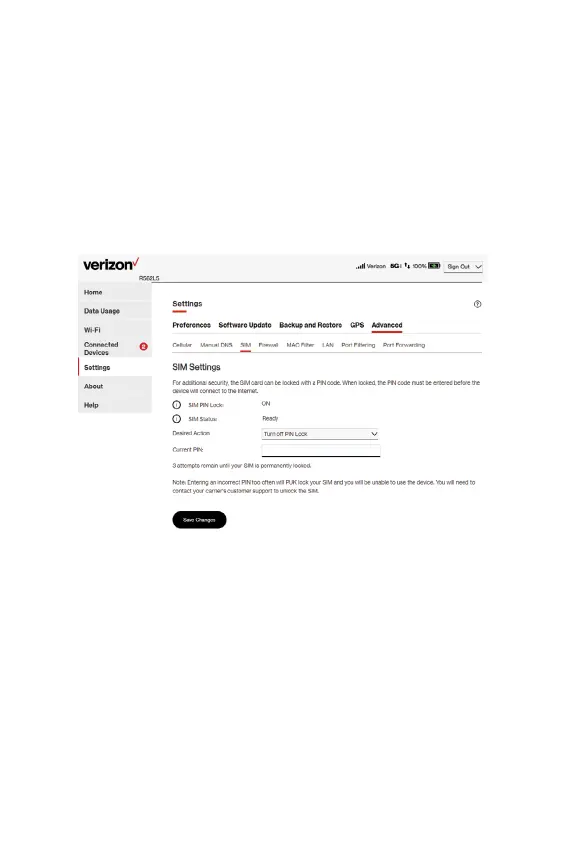
SIM tab
The SIM card in your Hotspot can be locked using a PIN. If the
SIM card is locked, you must enter the PIN before connecting to
the mobile network. Once entered, the PIN is remembered until
the next shutdown. You may also need to provide the existing PIN
to change a SIM. The default PIN is available from your service
provider.
Use this page to unlock your SIM or enter a SIM PIN.
SIM Settings
SIM PIN Lock: Indicates whether the PIN lock feature is in use.
If On, the PIN lock has been turned on, and the SIM PIN must be
entered to connect to the mobile network. If Off, the PIN lock
feature is not turned on and the SIM PIN is not required.
SIM Status: The current status of the SIM card. Possible states
include:
• Ready: No SIM PIN is needed.
• PIN Locked: SIM PIN must be entered before you can use



 To Next Page