75
you must enter the current PIN.
Current PIN: Enter the current PIN.
NOTE: For a Verizon Wireless SIM, the new PIN is 4 digits. The
default SIM PIN is available from your service provider.
Click Save Changes.
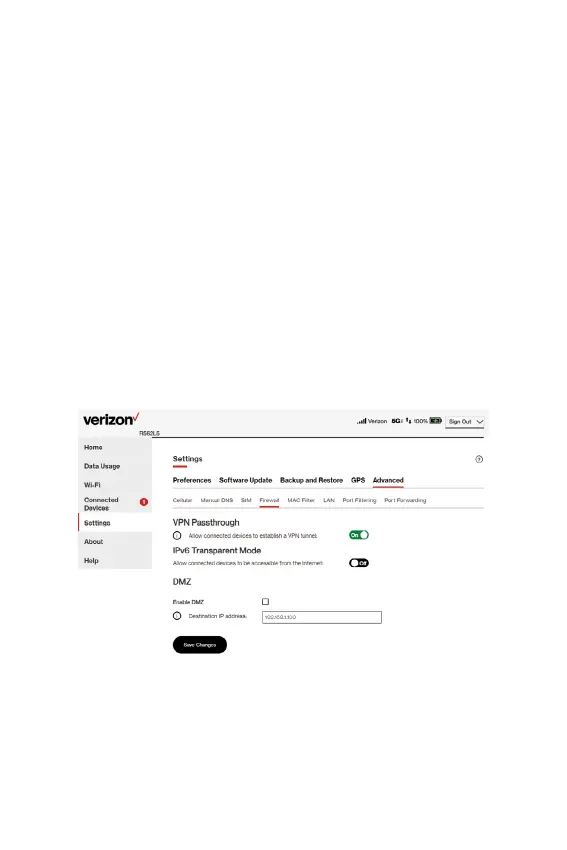
Firewall tab
The Hotspot rewall determines which internet trafc is allowed
to pass between the Hotspot and connected devices and protects
your connected devices from malicious incoming trafc from the
internet. The rewall cannot be turned off. Use the Firewall tab to
adjust the general security level of the rewall, designate a specic
device to receive all trafc, and set up specic rewall rules.
VPN Passthrough
Allow connected devices to establish a VPN tunnel: To use the
VPN Passthrough, ensure the ON/OFF slider is ON. This allows you
to establish a VPN tunnel while using your Hotspot.



 To Next Page