76
DMZ
NOTE: When IP Passthrough is turned on, DMZ capabilities are set
through the connected host routing system and settings in this
section are not available.
DMZ allows the connected device specied as the DMZ IP address
(Destination IP address) to receive all trafc that would otherwise
be blocked by the rewall.
NOTE: Allowing DMZ may assist some troublesome network
applications to function properly, but the DMZ device should have
its own rewall to protect itself against malicious trafc.
Enable DMZ: Check this box to allow DMZ.
Destination IP address: Enter the IP address of the connected
device you wish to become the DMZ device (the DMZ destination).
NOTE: You can check the IP address of each connected device on
the Connected Devices screen.
Click Save Changes.
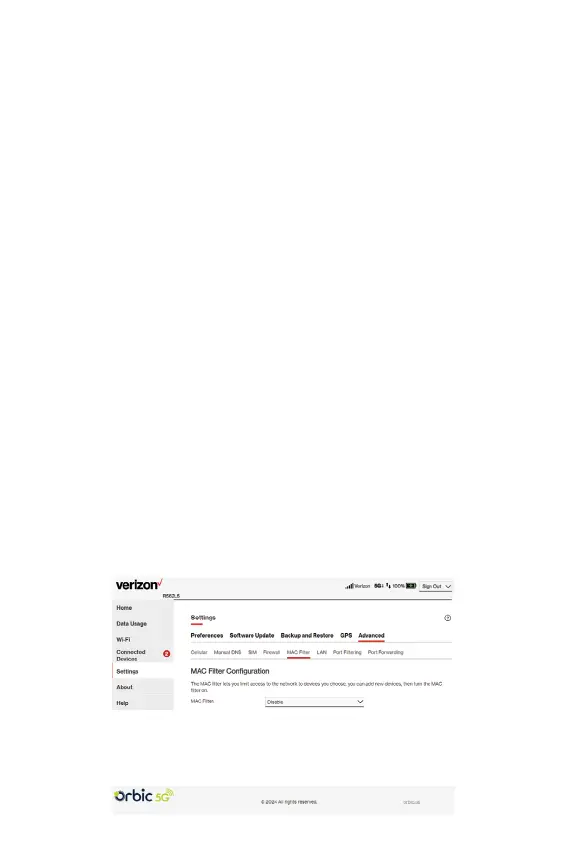
MAC Filter tab
The MAC lter allows only selected devices to access the Hotspot
primary Wi-Fi network. By default, MAC lter is turned OFF.
Use this tab to turn the MAC Filter ON and specify device access.



 To Next Page