77
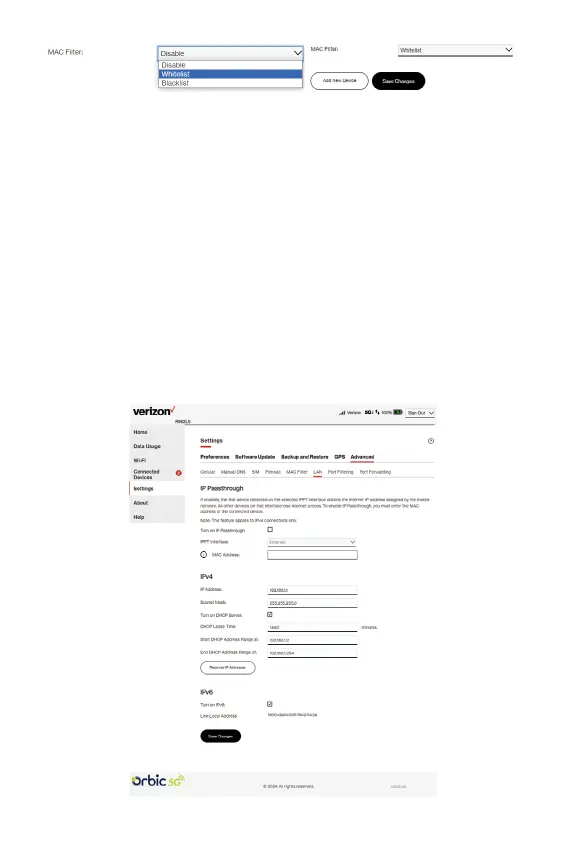
MAC Filter Conguration
The MAC lter is Disabled by default. Select Whitelist or Blacklist
from the list, click Add New Device to add device(s) and click Save
Changes.
CAUTION: Turning on MAC ltering immediately disconnects all
devices that are not included in the lter from the primary network.
LAN tab
This tab provides settings and information about the Hotspot local
area network (LAN). The LAN consists of the Hotspot and all Wi-Fi
and USB and Ethernet connected devices.



 To Next Page