80
IPv6
• Turn on IPv6: Check this box if any of your connected devices
support IPv6. This enables IPv6 connected devices to make
IPv6 connections to the internet.
• Link-Local Address: The Link-Local IPv6 address if the
connected device supports IPv6. Click Save Changes to
activate and save new settings.
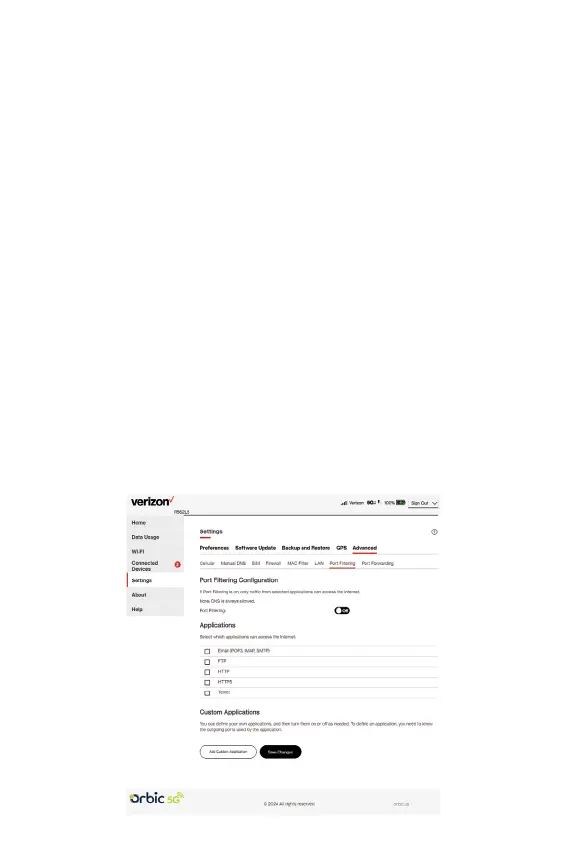
Port Filtering tab
Port Filtering allows you to block outgoing internet connections
and permit only selected applications to access the internet.
Trafc is identied by port numbers. Some applications are pre-
dened. You can dene additional applications if you know the
details of the trafc used and generated by the applications.
NOTE: You can also view the current Port Filtering setting (ON/
OFF) in the Settings panel on the Web UI Home page. When IP
Passthrough is turned on, port ltering capabilities are set through
the connected host routing system and settings on this page are
not available.



 To Next Page