1107231N / 082020 4. DETECTIVE X APPLICATION
25
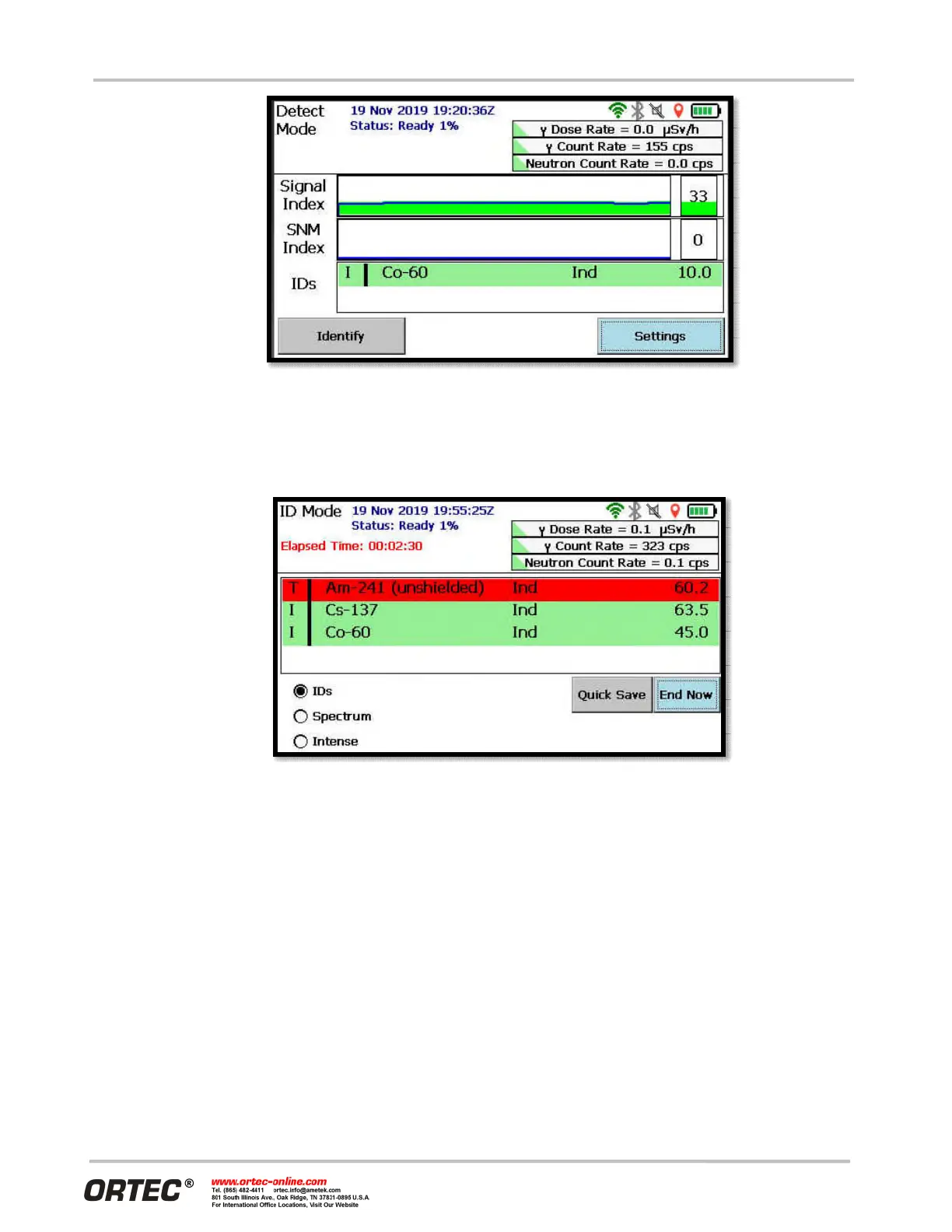
Figure 31. Detect Mode Screen
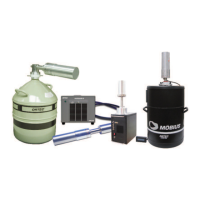
ID Mode — When a nuclide ID is displayed or when the Signal Index rises, tap the Identify button to
begin collecting one or more spectra from the item of interest. These spectra are analyzed locally
and may be sent to Reachback for a more in-depth study (see Section 4.12).
Figure 32. ID Mode Screen
The software provides multiple free-form fields in which to document measurement conditions (see Figure
33).


 To Next Page