ORTEC
®
Detective
®
X Handheld Radioisotope Identifier 1107231N / 082020
44
suspect neutron alarm can also be adjusted here, by tapping and dragging the slider, to provide more
sensitivity from the neutron detector.
Tabs are divided by gamma-ray energy, each of which is associated with a specific radionuclide. Some tabs
include an enable/disable checkbox that allows that peak to be excluded. Unmarking the checkbox stops the
peak (for example, the 1001-keV peak) from being reported at all.
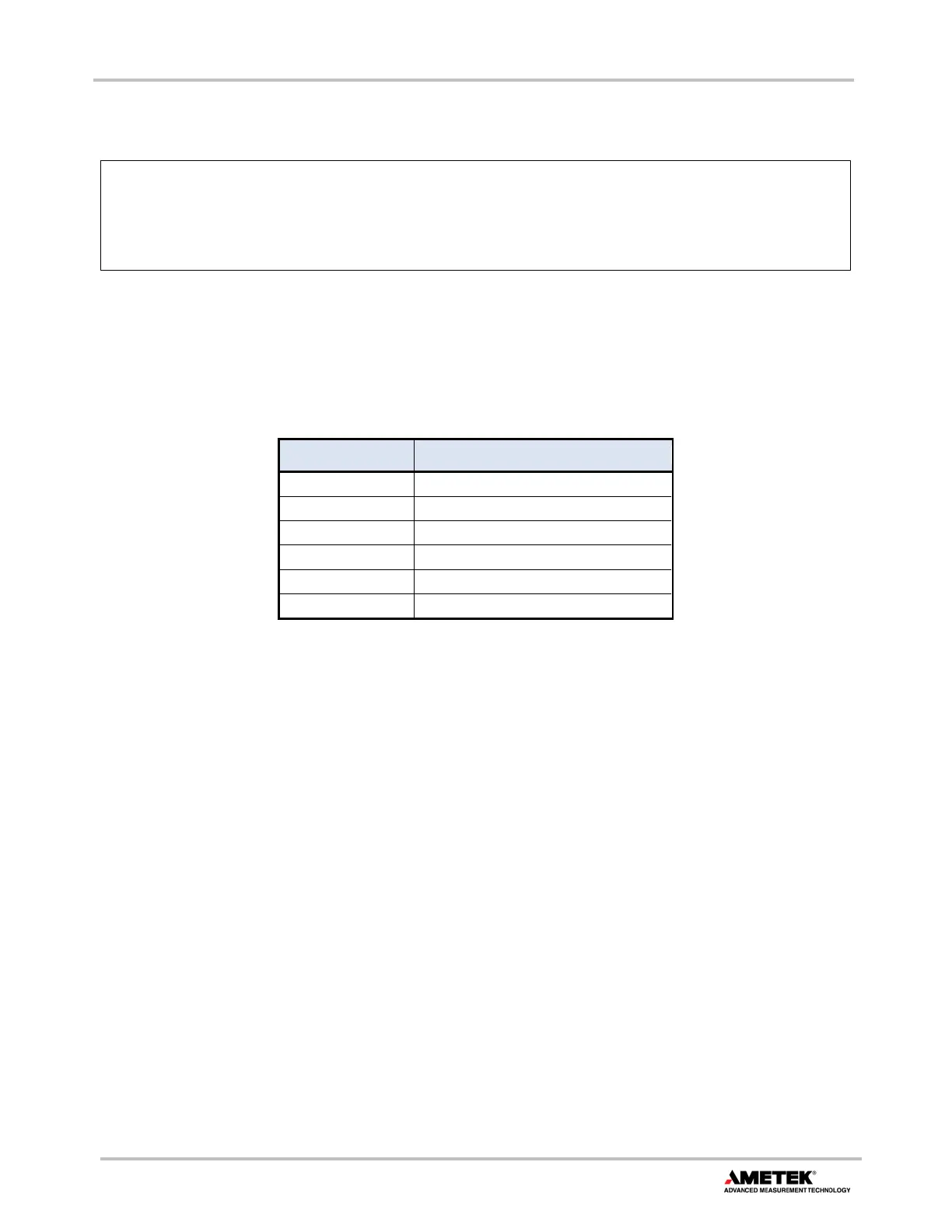
Table 2 shows the nuclides associated with the energies on the tabs.
Table 2. Threat Energies
Energy (keV) Nuclide
375/414 Plutonium
186 Uranium
356 Barium (test and demonstration)
1001 Uranium
661/722 Americium
Neutron Any
4.7 IDENTIFY MODE
From the Detect Mode screen, tapping the Identify button displays the ID Mode screen (Figure 56). Use this
mode to identify radionuclides by counting an object or area of interest from a stationary position for an
extended time. Data is acquired for a preset time or until the acquisition is manually stopped (see
Section 4.7.3).
The ID Mode screen has an IDs Box similar to that on the Detect Mode screen. However, because all of the
data accumulated from the start of this ID Mode session is analyzed (rather than only the last few seconds of
data, as in Detect Mode), nuclide IDs rarely drop out of the IDs Box in this mode.
These alarms indicate the presence of peaks
, without any interference or backg
corrections. For example, 186 peak detected does not necessarily indicate that U-235 is
present; it may instead be that the instrument is seeing one of several nuclides that emit a
gamma ray near 186 keV.


 To Next Page