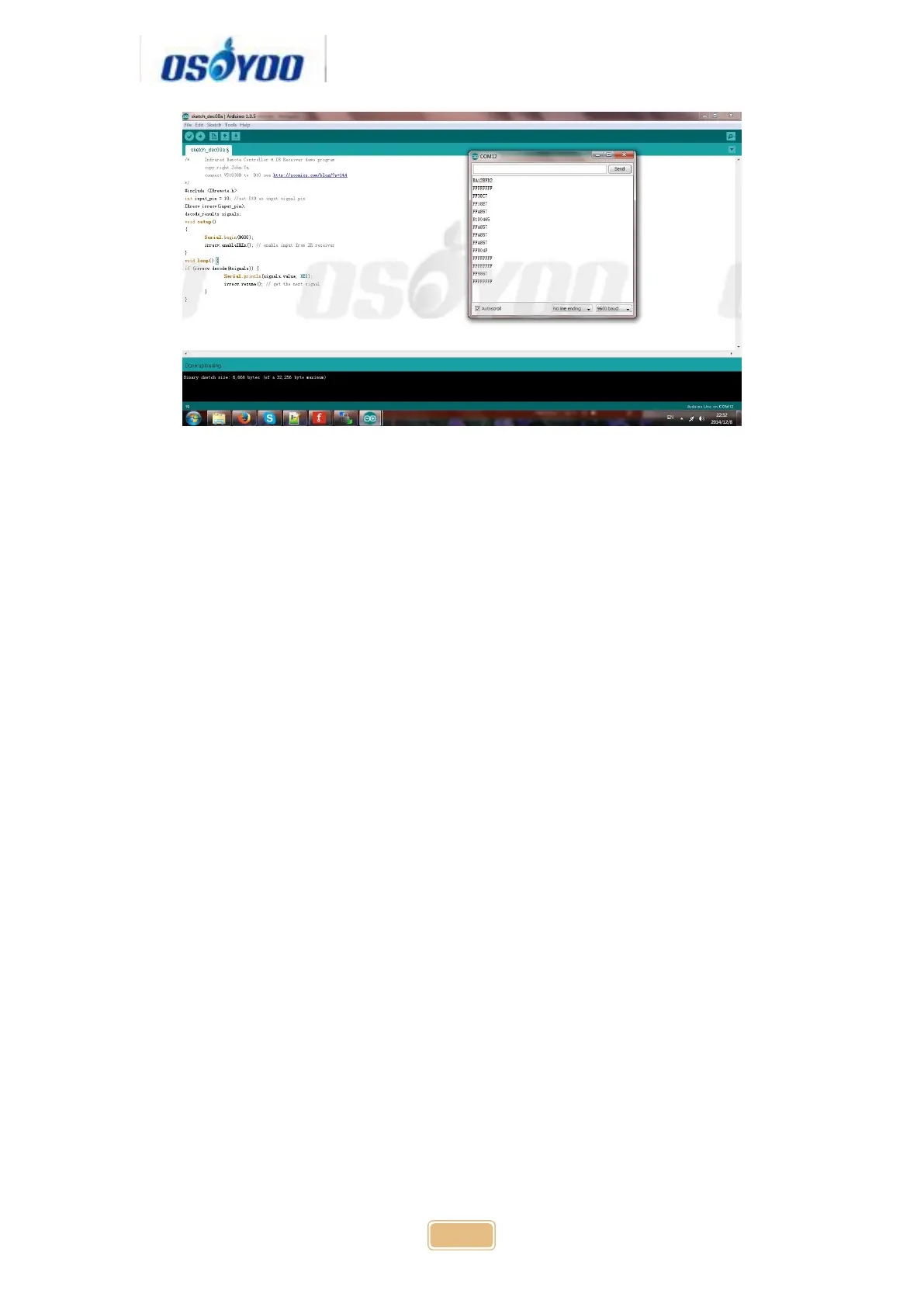
Write down the IR code of your control buttons “▲” “▼” “>” “<” “OK” button,
STEP B) replace the IR code in lesson 2 sketch file:
Open your Lesson 2 code again, then you will see following lines define the IR
CODE of each button:
#define IR_ADVANCE 0x00FF18E7 //code from IR controller “▲”
button
#define IR_BACK 0x00FF4AB5 //code from IR controller “▼”
button
#define IR_RIGHT 0x00FF5AA5 //code from IR controller “>”
button
#define IR_LEFT 0x00FF10EF //code from IR controller “<"
button
#define IR_STOP 0x00FF38C7 //code from IR controller “OK”
button
#define IR_turnsmallleft 0x00FFB04F //code from IR controller “#”
button
Please change the value of each button in above lines to match the code
from Step A). If you don’t know how to change, just Send Email to us and
give us the code of each button from Step A), I can help you to change the
code and email new sketch file to you.
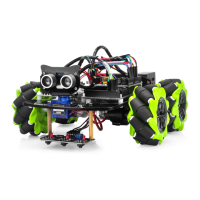
Above method can also allow you to use other IR sending device (i.e. TV
remote, DVD remote, air conditioner remote etc.) to control the car. Just use
Step A) to get the key code of your remote and change the sketch file in Step
B), it will work.


 To Next Page