EasyManua.ls Logo

OSOYOO V2.1 - Lesson 3 Parts and Devices; Lesson 3 Hardware Installation

OSOYOO V2.1
86 pages
Print Icon
To Next Page IconTo Next Page
To Previous Page IconTo Previous Page
Loading...
36
1
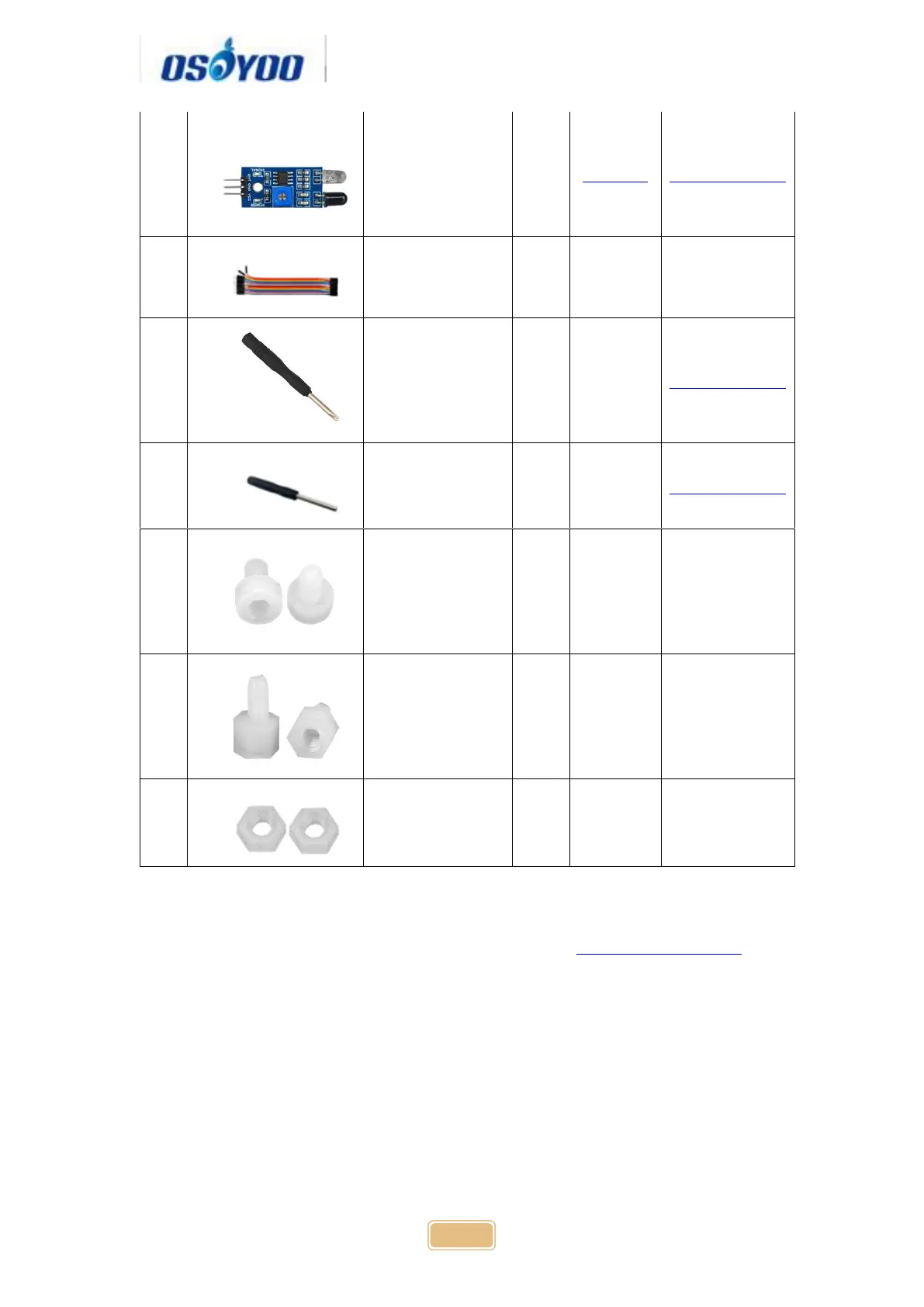
Ultrosonic Sensor
2
click here
Click here to buy
2
20Pin jumper wire
Male to female
20cm
some
3
Philips screwdriver
1
Click here to buy
4
Hex Screwdriver
1
Click here to buy
5
M3 plastic screw
2
6
M3 plastic pillar
2
7
M3 plastic nut
2
Hardware installation
Step 1: Install the smart car basic frame work as per Smart Car Lesson 1 . If
you have already completed installation in Lesson 1, just keep it as is.
Step 2: Remove the screws on copper pillars and add 2pcs IR Obstacle
Avoidance modules onto the car. Install the IR Obstacle Avoidance modules
with 2pcs M3 plastic screws, M3 plastic pillars and M3 plastic nuts at the back
of low car chassis.

Table of Contents

Related product manuals